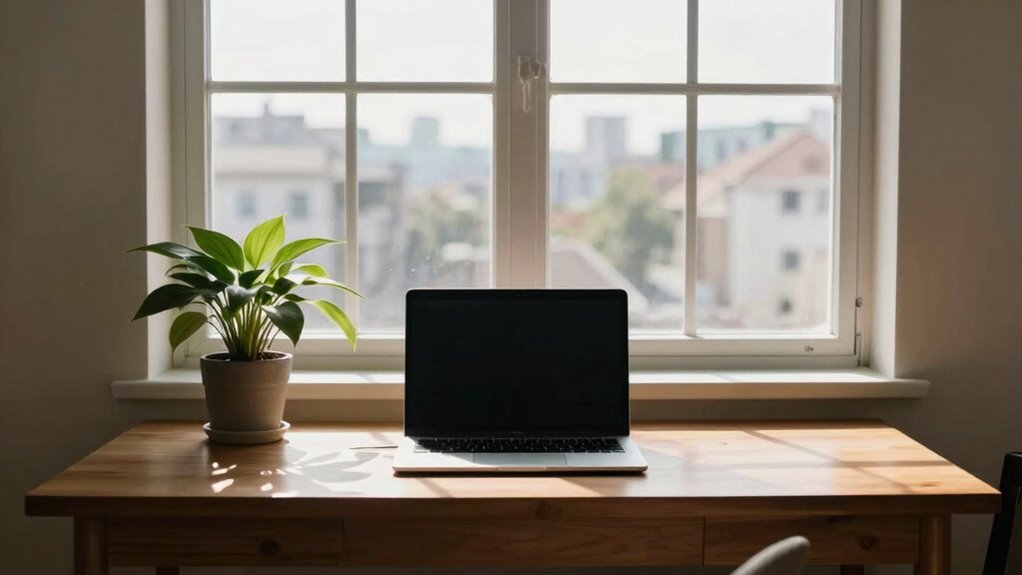

Facing your desk toward the window can seem ideal, but it often leads to distractions from outdoor activity, causing you to lose focus. Glare and reflections can strain your eyes and reduce screen visibility, while external noise and movement pull your attention away from tasks. Managing lighting, using blinds, or repositioning your desk can improve your workspace. If you’re open to smarter strategies, you’ll discover simple ways to enhance your comfort and productivity.

Get business pricing on your home office setup
- Business-only prices and quantity discounts
- Tax-exempt purchasing
- Multiple users, one account, clear invoices
Key Takeaways
- Facing the window can cause glare and reflections, reducing screen visibility and increasing eye strain.
- Direct sunlight may create distracting brightness and shadows, disrupting focus and productivity.
- External views and moving outdoor activity can divert attention away from tasks.
- Improper positioning may lead to frequent adjustments, causing discomfort and reducing concentration.
- Balancing natural light with glare control prevents visual fatigue and maintains a comfortable workspace.
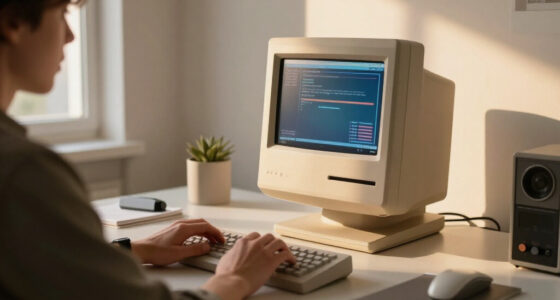
anti-glare computer monitor screen
As an affiliate, we earn on qualifying purchases.
As an affiliate, we earn on qualifying purchases.
Why Facing Your Desk Toward the Window Can Hurt Your Productivity

While having your desk face the window might seem like a way to boost your mood and get natural light, it can actually hurt your productivity. Window glare becomes a constant problem, making it difficult to see your screen clearly. This glare forces you to squint or adjust your position repeatedly, leading to visual fatigue. Over time, your eyes tire faster, reducing focus and increasing discomfort. The bright light and reflections distract you from your work, breaking your concentration. Additionally, proper lighting placement is essential for maintaining a comfortable workspace, especially when considering natural light sources. Instead of enhancing productivity, facing the window can cause headaches and eye strain, making it harder to stay engaged. To stay efficient, consider positioning your desk at an angle or away from direct sunlight, minimizing glare and visual fatigue. Additionally, screen glare can be mitigated with anti-reflective coatings or adjustable window coverings, further protecting your eyes. Proper lighting placement can significantly improve your comfort and focus throughout the day. Incorporating ergonomic workspace setup principles can also help reduce strain and improve overall productivity. Being mindful of natural light management can make a notable difference in creating a healthier, more focused environment.
adjustable window blinds for glare control
As an affiliate, we earn on qualifying purchases.
As an affiliate, we earn on qualifying purchases.
Common Distractions From Natural Views

Natural views outside your window can be appealing, but they often come with unexpected distractions. Watching outdoor activity can easily pull your focus away from work, especially if animals or people pass by frequently. Indoor plants placed nearby might seem like a calming addition, but they can also draw your gaze or need frequent adjustments. Privacy screens, intended to block distractions, can sometimes create visual clutter, making it harder to concentrate. Bright sunlight or shifting shadows might also catch your eye, disrupting your workflow. These distractions can lead to constant breaks in focus, reducing productivity. To stay on task, consider minimizing visual clutter and choosing views that are less stimulating. Keeping distractions in check helps you maintain better focus and work more efficiently. Additionally, natural light can be both beneficial and distracting, so managing exposure is key to a productive workspace.
ergonomic desk chair for eye comfort
As an affiliate, we earn on qualifying purchases.
As an affiliate, we earn on qualifying purchases.
How Lighting Inconsistencies Cause Eye Strain

Lighting inconsistencies, such as uneven brightness or sudden changes in light levels, can strain your eyes and cause discomfort over time. When your workspace has lighting errors, your eyes work harder to adjust, leading to eye fatigue. Bright spots next to dim areas force your eyes to constantly adapt, causing strain and headaches. To understand better, consider this table:
| Brightness Level | Effect on Eyes | Example |
|---|---|---|
| High | Glare, fatigue | Direct sunlight on screen |
| Low | Strain to focus | Dim corner lighting |
| Sudden change | Discomfort | Moving from shadow to bright |
Inconsistent lighting disrupts your visual comfort, making it harder to concentrate and increasing eye fatigue. Proper, balanced lighting minimizes these errors and eases eye strain. Additionally, understanding lighting errors can help you create a more comfortable workspace, especially when considering the impact of lighting on your overall productivity. Paying attention to lighting setup can prevent unnecessary eye strain and improve your focus throughout the day. Recognizing how visual comfort affects your ability to work effectively is also crucial for maintaining long-term eye health. Incorporating proper lighting techniques can further reduce the risk of eye discomfort and enhance workspace ergonomics.
desk with natural light management
As an affiliate, we earn on qualifying purchases.
As an affiliate, we earn on qualifying purchases.
Can External Noise and Movement Distract You?
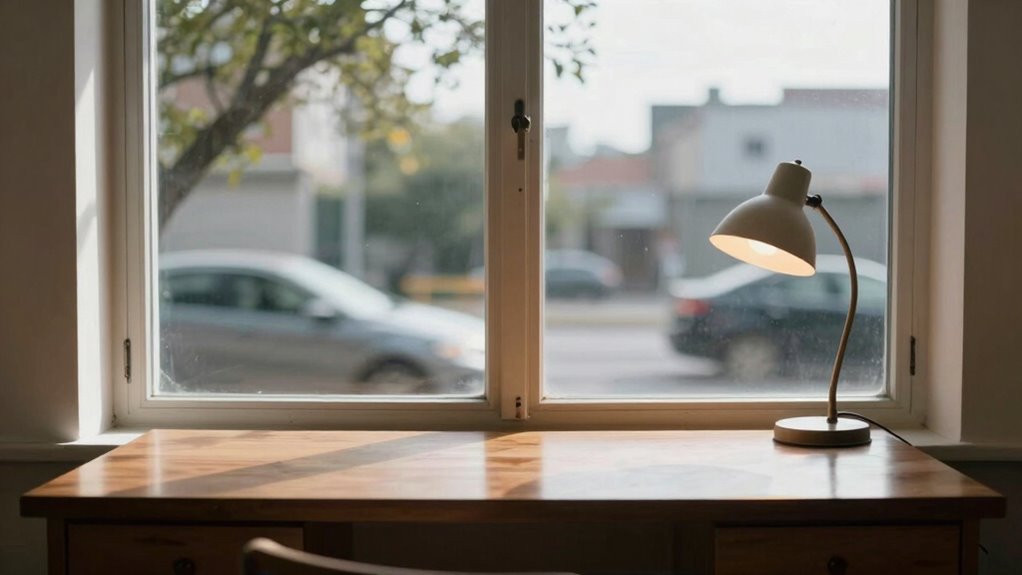
When your desk faces a window, outside activity and movement can easily catch your attention. Noise levels from traffic or nearby conversations might pull you off track. Do these distractions impact your focus and productivity throughout the day? Incorporating focused environment strategies can help minimize these interruptions and improve your concentration. Additionally, arranging your workspace to reduce visual and auditory distractions can further enhance your productivity strategies. Understanding individual differences through personality testing can also assist in tailoring your workspace setup to better suit your personal work style. Implementing the right workspace organization can make a significant difference in managing external distractions effectively, especially when staying updated with the latest market insights in your industry.
Distractions From Outside Activity
Having a desk facing a window can introduce constant outside activity that easily distracts you from your work. The outdoor scenery and sunlight exposure might seem inviting, but they often pull your attention away. Bright sunlight can cause glare, making it harder to see your screen clearly. Moving figures, cars, or animals outside demand your focus, breaking your concentration. These distractions can disrupt your workflow and reduce productivity. To stay on track, consider how external movement pulls your eye and mind away from tasks. Recognizing that while sunlight and scenery offer beauty, they can also be a constant distraction. Being aware of these subtle interruptions helps you set boundaries and create a more focused workspace. External activity and natural light can also impact your comfort, influencing your mental clarity and overall focus during work hours. Additionally, external noise and movement may interfere with your ability to maintain environmental control, further hindering your efficiency. Understanding the influence of environmental distractions allows you to optimize your workspace for better concentration and productivity.
Noise Levels Impact Focus
External noise and movement can greatly impact your ability to concentrate, especially when your workspace is near busy areas. Even subtle sounds can break your focus, making it harder to stay productive. To reduce distractions, consider installing soundproof curtains or acoustic panels. Soundproof curtains block out noise from outside, creating a calmer environment. Acoustic panels absorb sound waves, preventing echoes and reducing overall noise levels. Both options can help you maintain focus despite nearby activity. Keep in mind that a quieter space allows you to work more efficiently and minimizes stress. By controlling noise levels, you create a workspace that promotes concentration rather than distraction, making your desk facing the window a much more productive setup. Incorporating soundproofing solutions can further enhance indoor air quality by reducing noise pollution and promoting a healthier, more focused workspace. Additionally, choosing appropriate placement of your workspace can significantly mitigate the impact of external noise, making your environment even more conducive to focus. Ensuring proper room acoustics can also improve sound absorption and further reduce the potential for distraction, especially when you optimize room layout to minimize noise pathways.
Simple Ways to Optimize Your Workspace Lighting
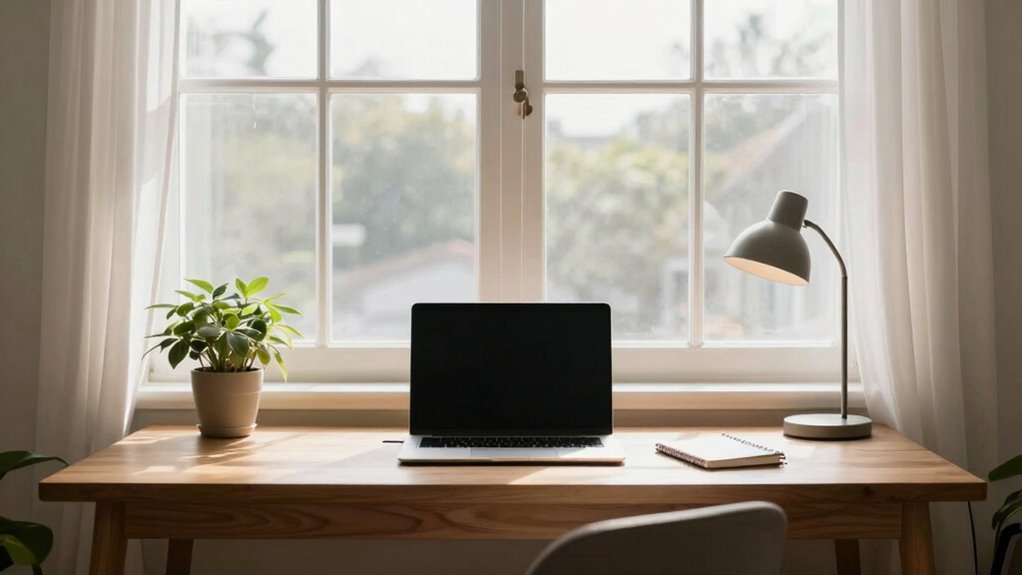
Optimizing your workspace lighting starts with making the most of natural light, especially if your desk faces a window. Position your screen to reduce glare and use sheer curtains or blinds to control brightness. Incorporate decorative lighting like desk lamps or wall sconces to add warmth and style. Adjust the color temperature of your artificial lights; warmer tones (around 2700K-3000K) create a cozy atmosphere, while cooler tones (4000K-5000K) boost alertness.
Maximize natural light, adjust artificial color temperatures, and incorporate layered, indirect lighting for a comfortable, stylish workspace.
- Use layered lighting to balance natural and artificial sources, avoiding harsh shadows.
- Choose lighting with adjustable brightness for flexibility during different times of the day.
- Prioritize indirect lighting to minimize eye strain and create a comfortable environment.
Best Desk Arrangements for Focus and Comfort
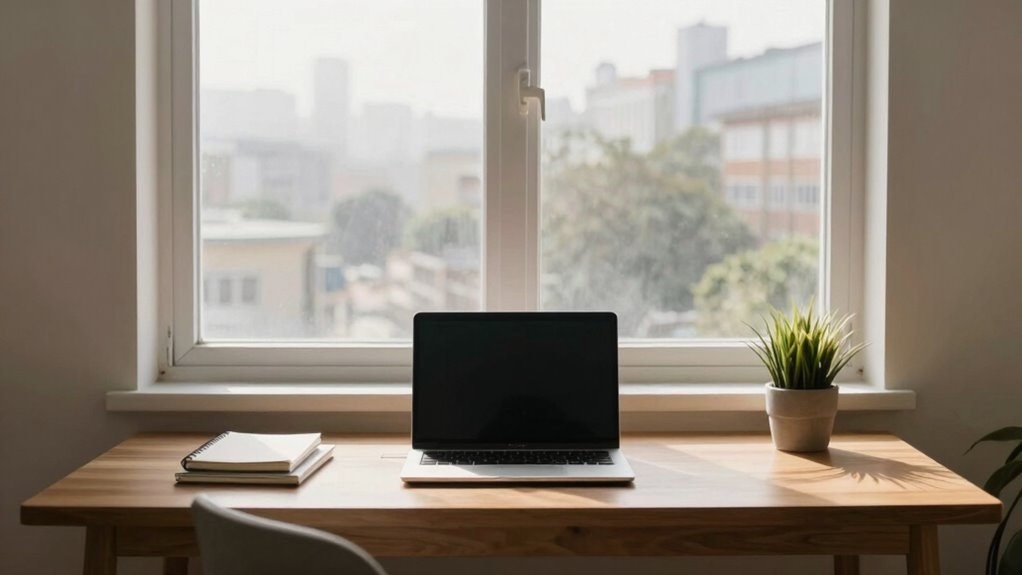
To stay focused and comfortable, positioning your desk thoughtfully is key. Make sure your desk faces the window for natural light, but avoid glare on your screen. Use ergonomic tips like proper chair height and monitor placement to create a workspace that supports your productivity. Incorporating elements of a scenic view, such as a regional landscape, can also enhance your environment and reduce stress.
Optimal Desk Placement
Have you ever wondered how the placement of your desk can influence your concentration and comfort? To optimize your workspace, position your desk to minimize glare and distractions, ideally perpendicular to windows. This setup allows natural light to illuminate your workspace without causing eye strain or screen glare. Consider how your desk decor and plant placement can enhance focus—place plants nearby to improve air quality and create a calming atmosphere. Keep your essentials within reach to avoid unnecessary movement, and guarantee your chair supports good posture. Remember, the goal is to create a balanced environment that boosts productivity without clutter or discomfort.
- Proper desk orientation reduces glare and distractions
- Thoughtful plant placement enhances focus and air quality
- Strategic desk decor promotes a calm, organized workspace
Ergonomic Arrangement Tips
Achieving an ergonomic workspace starts with arranging your desk so everything you need is within easy reach, reducing the need for unnecessary stretching or twisting. Keep your monitor at eye level to prevent neck strain, and position your keyboard and mouse so your wrists remain straight. Use ergonomic accessories like wrist rests or adjustable stands to enhance comfort. Incorporate desk decor that promotes focus, such as minimal clutter or inspiring items, without overcrowding your space. Place frequently used items, like pens or notepads, within arm’s reach. Guarantee your chair supports good posture and that your feet are flat on the floor. An organized, ergonomic setup minimizes discomfort and boosts productivity, making your workspace both functional and inviting.
Tips to Reduce Glare and Screen Reflection
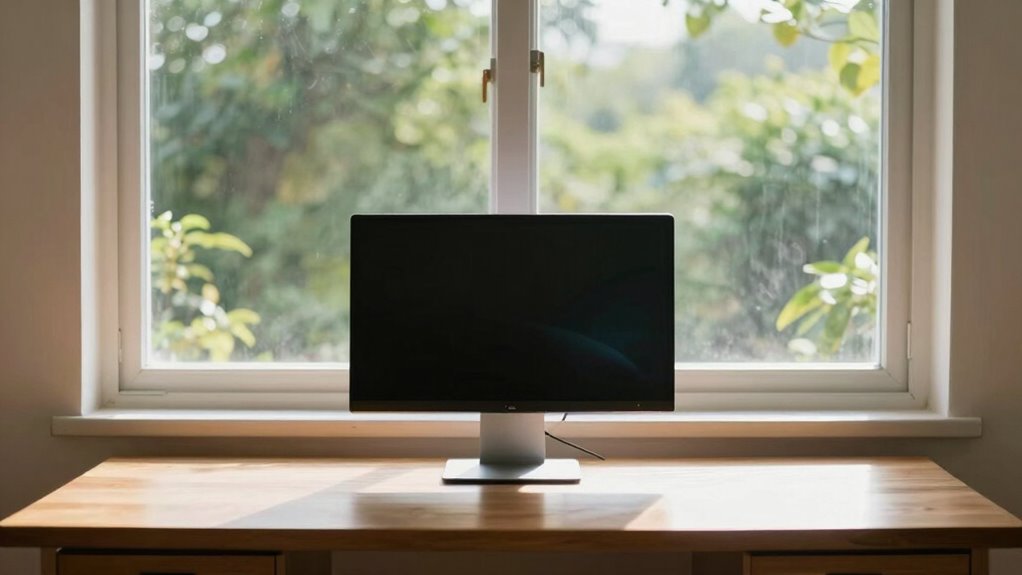
Dealing with glare and reflection on your screen can considerably improve your comfort and productivity. To minimize screen glare and enhance reflection reduction, consider adjusting your monitor’s position or using anti-glare filters. Proper lighting, such as soft ambient light, also helps reduce harsh reflections. Additionally, lowering your screen brightness to match your environment prevents eye strain caused by excessive glare.
- Use an anti-glare screen protector to diffuse light and minimize reflections.
- Position your monitor at a slight angle to avoid direct light hitting the screen.
- Control ambient lighting with curtains or adjustable lamps to create a balanced environment.
These tips will help you manage screen glare effectively, making your workspace more comfortable and boosting your focus.
How to Minimize Outside Distractions Without Losing the View

You can block out distractions by using adjustable window coverings that let you control the view, so you stay focused without feeling cut off. Position your desk strategically to face the view but avoid direct line-of-sight to busy areas or outdoor activity. Adding outdoor noise barriers, like plants or screens, helps reduce disturbances while still letting you enjoy the scenery.
Use Adjustable Window Coverings
Adjustable window coverings, such as blinds or shades, offer an effective way to control outside distractions without sacrificing the view. With the right window treatments, you can manage how much outside activity is visible while still enjoying natural light and scenery. This approach enhances view management, helping you focus without feeling cut off from your surroundings.
Consider these key points:
- Fine-tune your view by adjusting blinds or shades to block or reveal specific areas.
- Use layered window treatments for flexible light control and privacy.
- Choose designs that complement your workspace, ensuring aesthetic harmony and functional efficiency.
Position Desk Strategically
Positioning your desk thoughtfully can considerably reduce outside distractions while still allowing you to enjoy the view. The key is to optimize your desk placement based on window orientation. If your window faces busy streets, consider angling your desk or placing it perpendicular to the window to block direct sightlines.
| Window Facing | Desk Placement Strategy | Effect |
|---|---|---|
| Street view | Angle your desk away from the street | Minimize noise & movement |
| Nature view | Face the window directly | Maximize calming scenery |
| Corner window | Position diagonally | Balance view & focus |
Implement Outdoor Noise Barriers
To effectively minimize outside distractions while still enjoying your view, implementing outdoor noise barriers is essential. These barriers reduce noise pollution and enhance window privacy, creating a more focused workspace without sacrificing the scenery. You can use tall plants, fencing, or sound-absorbing panels to block unwanted sounds while maintaining the view. When choosing outdoor noise barriers, consider their aesthetic appeal to guarantee they blend seamlessly with your outdoor space. Proper placement is key—position barriers strategically to deflect noise away from your window. This setup helps you concentrate better and enjoy natural light.
- Use natural elements like shrubs or trees for a discreet, eco-friendly barrier
- Opt for sound-absorbing fencing to dampen noise effectively
- Guarantee barriers don’t obstruct your view or natural light
When and How to Reposition Your Desk for Better Focus

Knowing when to reposition your desk can considerably boost your focus and productivity. If your workspace feels cluttered or distractions become frequent, it’s time to contemplate a change. Reposition your desk away from busy windows or noisy areas, and face a blank wall or a space with minimal visual clutter. Use decorative desk accessories strategically to create a calming environment, but avoid excess that can cause distraction. Incorporate personal motivational quotes into your setup to boost morale without overwhelming your space. Pay attention to how natural light impacts your focus—if glare or direct sunlight hampers your work, adjust your desk’s position accordingly. Regularly reassess your setup, and don’t hesitate to make small adjustments to optimize your concentration.
Balancing Natural Light and Functionality in Your Workspace

While natural light is essential for a productive workspace, it can also pose challenges if not managed properly. Too much direct sunlight causes glare, making it hard to see your screen and leading to eye strain. To balance natural light and functionality, consider using lighting control options like blinds or curtains to adjust brightness throughout the day. Incorporate indoor plants near your desk; they diffuse harsh light and improve air quality, creating a calming environment. Remember, a well-placed plant can reduce glare without blocking all natural light. Prioritize flexibility—adjust your workspace based on the sunlight pattern to maintain focus and comfort.
Balance natural light with blinds and plants for a comfortable, glare-free workspace.
- Use lighting control for ideal brightness
- Position indoor plants to diffuse glare
- Adjust your setup with changing sunlight hours
Frequently Asked Questions
How Does Desk Orientation Affect Overall Workspace Ergonomics?
Your desk orientation directly impacts your workspace ergonomics by influencing comfort and productivity. Facing a window might seem ideal, but it can cause glare and neck strain, making work harder. Position your desk to minimize glare and avoid constant turning, ideally with your monitor at eye level and a comfortable distance. Properly aligned desk orientation reduces strain, improves focus, and creates a more ergonomic workspace.
What Are the Long-Term Health Effects of Facing a Window While Working?
Facing a window while working can cause visual fatigue due to glare and changing light conditions, which may strain your eyes over time. However, it can also boost mental clarity by providing natural light and a connection to the outdoors. Long-term, you might experience headaches or eye discomfort if glare isn’t managed, but with proper adjustments, you can enjoy the benefits without adverse health effects.
Can Window Placement Influence Your Work-Life Balance?
Yes, window placement can influence your work-life balance. If your desk faces a window, you might struggle with glare management, causing eye strain and distraction. Privacy concerns could also lead you to feel less comfortable, affecting focus and mental well-being. To improve balance, consider adjusting your position or using curtains or blinds. This helps you control light, reduce distractions, and create a more comfortable work environment.
How Do Seasonal Changes Impact Natural Light and Workspace Comfort?
Seasonal changes greatly affect natural light and workspace comfort. During winter, shorter daylight hours and lower sun angles can cause more sunlight glare, making it harder to see your screen comfortably. In summer, increased seasonal brightness might lead to excessive glare or heat, impacting focus and comfort. Adjusting blinds or repositioning your desk helps manage sunlight glare, ensuring consistent comfort regardless of seasonal shifts.
Are There Specific Window Treatments That Improve Work Focus?
You can improve focus with window treatments like blinds or shades that control glare and enhance privacy. Adjustable blinds let you block harsh sunlight, reducing glare and eye strain. Privacy films or frosted glass can prevent distractions from outside while still allowing natural light. These options help you stay focused, minimize discomfort, and address privacy concerns effectively, making your workspace more comfortable and productive without the hassle of unwanted glare or prying eyes.
Conclusion
Think of your workspace as a garden. Facing your desk toward the window is like planting flowers in a windy spot — beautiful but disruptive. By repositioning your desk, you create a sturdy fence that shields you from distractions while still letting in the sunlight. When you find the right spot, you cultivate a space where focus blooms and productivity thrives. Tweak your setup, and watch your work flourish like a well-tended garden.
Fall Picks
fall essentials
As an affiliate, we earn on qualifying purchases.