
TL;DR
One video upload can generate an entire publishing kit—titles, descriptions, clips, social posts—all processed locally. This approach boosts privacy, cuts costs, and speeds up post-production, with no cloud dependency.
Imagine finishing a video and having everything else taken care of—titles, clips, social media posts—all ready to publish. No waiting for cloud services, no subscription fees, just your footage working for you—locally. That’s the promise of a new wave of local, AI-powered publishing workflows, where a single video becomes a full production kit without ever touching the cloud.
This isn’t just about saving money or speeding things up. It’s about owning your content, protecting your privacy, and gaining complete control over your publishing process. If you’ve ever felt overwhelmed by the hours of repackaging your videos require, you’ll want to see how this new approach can change everything.
Key Takeaways
- A single uploaded video can produce a complete set of publishing assets—titles, clips, social posts—processed entirely offline.
- Local AI workflows eliminate cloud dependence, boosting privacy and security while reducing ongoing costs.
- Hardware like the upcoming NVR Instant makes local, AI-driven video publishing feasible and affordable for small creators and businesses.
- Setup is straightforward, with most systems offering plug-and-play configurations and simple interfaces.
- While not perfect, local AI analysis is now accurate enough for serious publishing, with ongoing improvements on the horizon.
local AI video publishing software
As an affiliate, we earn on qualifying purchases.
As an affiliate, we earn on qualifying purchases.
What does ‘one video in, a whole publishing kit out’ actually mean?
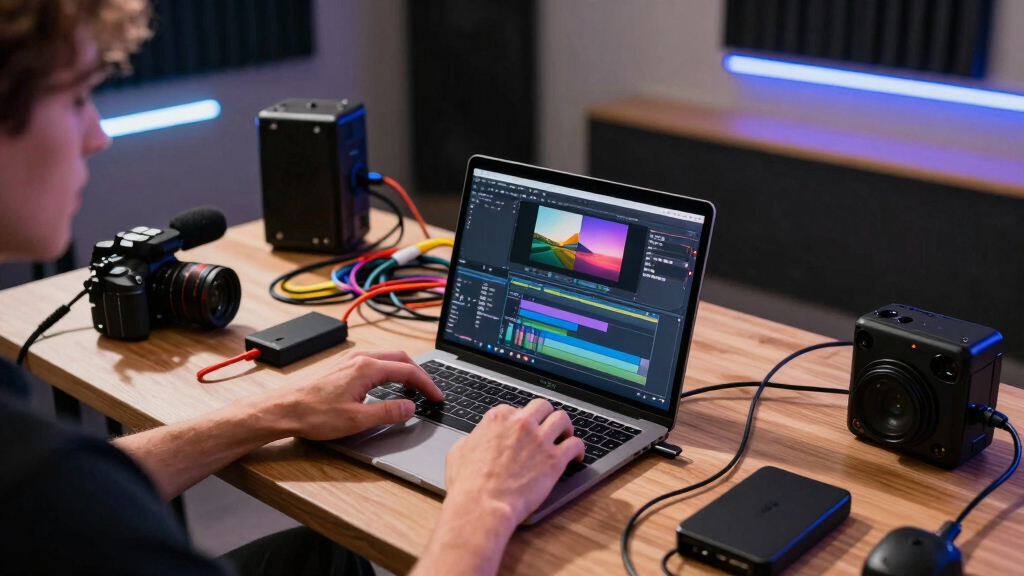
At its core, it means feeding your raw footage into a local system that analyzes, transcribes, and understands your video. It then automatically generates everything you need—titles, descriptions, hashtags, clips, social posts, and even blog drafts—without relying on external servers. For example, drop a 20-minute interview into ChannelHelm, and it produces a set of ready-to-publish assets for YouTube, TikTok, and your blog, all on your own hardware.
This process is a game-changer for creators and small publishers, especially when managing multiple platforms. Instead of manually repackaging content for each platform, you get a comprehensive package—like a virtual publishing assistant—prepared from a single source file.
Why does this matter? Because it shifts the entire workflow into a more autonomous, private, and efficient realm. It reduces the risk of data leaks, minimizes delays, and gives creators more control over their content timeline. However, this shift also involves tradeoffs—such as the initial setup complexity, hardware costs, and the need for robust local processing capabilities. Understanding these implications helps you decide if this approach fits your scale and needs.
As an affiliate, we earn on qualifying purchases.
What outputs are automatically generated from a single video?
| Output Type | What it Includes |
|---|---|
| Titles & Tags | Multiple headline options scored by relevance, hashtags, and character limits |
| Descriptions & Chapters | Full descriptions with timestamps, SEO keywords, and platform-specific tags |
| Short Clips & Reels | High-retention moments cut into vertical videos, ready for TikTok, Reels, Shorts |
| Social Posts | Customized posts, threads, and blurbs for platforms like X, Instagram, Facebook |
| Blog & Newsletter Drafts | Article outlines, drafts, and summaries tailored to your voice and style |
All of this is crafted automatically, based on AI analysis, and stored neatly for review or quick edits. This automation streamlines content distribution, but it also raises questions about the quality and relevance of generated assets. While AI can produce a broad range of assets quickly, the accuracy of keyword tagging, contextual relevance, and platform optimization varies. Creators need to review outputs carefully, especially for high-stakes publishing, to ensure brand consistency and message clarity. The tradeoff here is between speed and manual quality control—automation accelerates workflows but requires oversight to maintain standards.
As an affiliate, we earn on qualifying purchases.
How does local processing beat the cloud—really? Learn more about local AI workflows.
Local processing means all your video data stays on your hardware. There’s no need to upload sensitive footage to third-party servers, reducing risk and protecting your privacy. Plus, processing is faster—no lag waiting for cloud servers to analyze your footage.
For example, a security team using local AI for surveillance footage can analyze hours of footage instantly, without worrying about data leaks or slow uploads. This immediacy is critical for time-sensitive applications, where delays could compromise security or operational decisions. Additionally, local processing minimizes dependency on internet connectivity, making workflows more resilient in remote or bandwidth-constrained environments. But it’s important to recognize that local processing demands powerful hardware—costly upfront investments and maintenance. The tradeoff is control and speed versus initial expense and setup complexity. As hardware becomes more affordable and integrated, the long-term benefits of speed, privacy, and independence often outweigh these costs for many users.

privacy-focused video editing system
As an affiliate, we earn on qualifying purchases.
As an affiliate, we earn on qualifying purchases.
What’s new in 2025–2026? The hardware and AI shift
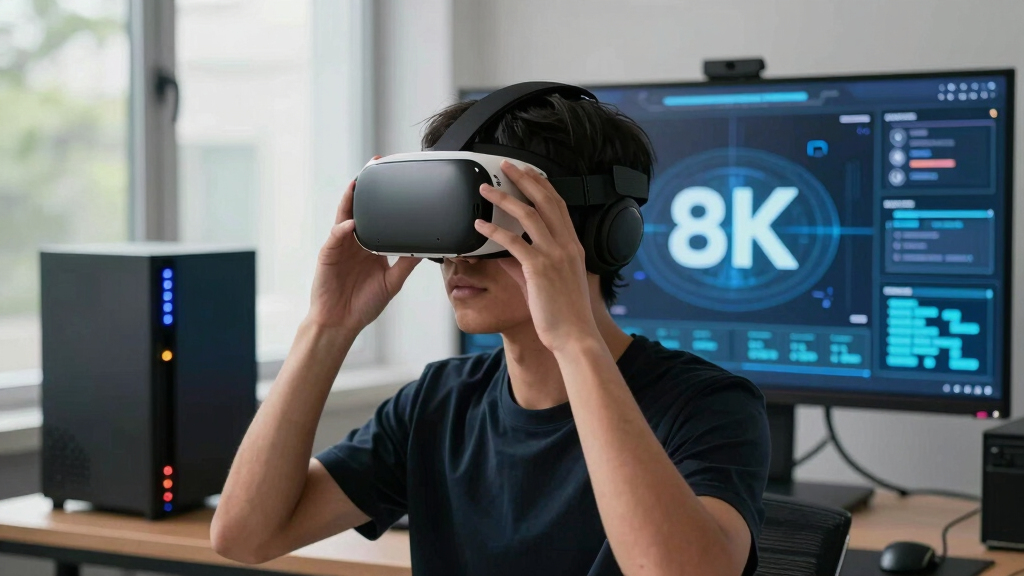
The next couple of years are set to push local AI workflows even further, with innovations like the new hardware solutions. Devices like the upcoming NVR Instant combine PoE, HDMI, and large storage—up to 24 TB—at a fraction of the cost of traditional cloud-dependent systems. These all-in-one units are designed to process video, analyze footage, and generate assets right on your premises.
Why is this significant? Because it means creators and organizations can now achieve a level of autonomy that was previously only possible with cloud services—at a lower cost and with greater control. For example, a YouTuber can analyze a 30-minute vlog, automatically generate multiple social clips, and schedule postings—all without uploading a single file to the internet. This hardware shift also reduces ongoing expenses, as users are no longer locked into subscription models for processing or storage. Instead, they gain a scalable, self-sufficient system that adapts to their needs. The implications are broad: increased privacy, faster turnaround times, and the ability to operate in environments with limited or unreliable internet access. As these devices become more capable and affordable, the concept of a fully local, AI-driven video publishing pipeline moves from future speculation to practical reality.
Can I really do everything offline—what’s the catch?
Yes, a robust local workflow can operate entirely offline. Once your system is set up, you can drop in a video and watch your assets emerge completely offline. The AI models run on your hardware, analyzing and generating everything locally. The only time you need the internet is for initial setup or software updates.
This capability is especially valuable for remote or sensitive environments where data security is paramount. For instance, a filmmaker working in a remote location can process footage overnight on a rugged laptop, producing titles, clips, and social posts without risking leaks or delays caused by internet issues. However, it’s important to recognize that some AI models require periodic updates to improve accuracy and expand features. Offline models can lag behind cloud-based versions temporarily, but ongoing advancements in hardware and model optimization are narrowing this gap. The main tradeoff is upfront hardware investment and maintenance versus the long-term benefits of independence and security. For many, the ability to operate completely offline outweighs the initial setup effort, making this approach highly appealing for privacy-conscious or location-dependent workflows.

What about setup? Is it complicated or straightforward?
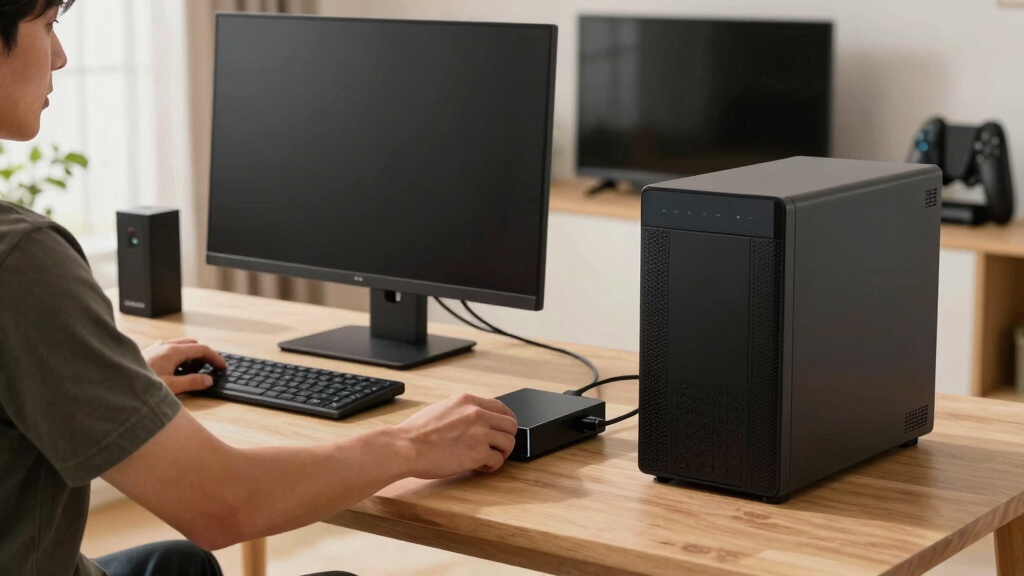
Setting up a local AI publishing system is surprisingly straightforward. Modern hardware comes pre-configured or with simple interfaces. For example, a plug-and-play device like the NVR Instant can be installed in minutes, connected to your network, and ready to process videos.
Once connected, you point the system to your footage—either by dragging files or pasting links—and it begins analyzing. The process might take some time initially, but ongoing workflows are mostly automated. While initial setup is designed to be user-friendly, some familiarity with network configuration and hardware installation helps ensure smooth operation. Many systems also include step-by-step guides or remote support options to ease the process. User dashboards are intuitive, showing progress and allowing quick review and adjustments. Overall, the trend is toward making these tools accessible even to non-experts, emphasizing simplicity and minimal technical barrier to adoption.

What’s the cost? Are there monthly fees or subscriptions?
The big selling point of these local workflows is that they eliminate monthly cloud fees. Once you buy the hardware—say, a $199 NVR Instant—you own it outright. There are no recurring charges for processing or storage, unlike many cloud services.
This ownership model provides financial predictability and long-term savings. For example, a small creator can process hundreds of videos without additional costs beyond the initial hardware investment. This contrasts sharply with cloud platforms that often charge per minute, per asset, or via subscription plans, which can quickly add up over time. While some optional software licenses or advanced features might incur additional one-time fees, the core system remains subscription-free, giving you control over your expenses. This model encourages a shift toward sustainable, scalable workflows where creators aren’t tethered to ongoing payments, enabling more strategic planning and investment in content production.

How much storage do you need for local processing?
Storage requirements depend on your content volume and quality. The upcoming NVR Instant offers a 3.5-inch drive bay supporting up to 24 TB, which can comfortably hold hundreds of hours of high-resolution footage. For example, a 4K, 30-minute video typically consumes about 10-20 GB, so 24 TB could store a substantial archive—enabling you to keep large libraries on-site for quick reprocessing or editing. The advantage of local storage is that it provides immediate access without waiting for downloads or dealing with cloud bandwidth limitations. Additionally, as storage costs decrease, expanding capacity becomes more affordable, allowing scalable growth aligned with your production needs. It’s wise to consider future projects and potential backups when planning capacity, but overall, local storage solutions are flexible and capable of supporting demanding workflows with minimal hassle.
Is the AI analysis accurate enough for serious publishing?
Modern local AI tools are increasingly reliable. They can recognize scene changes, extract key topics, and identify high-retention moments with over 90% accuracy in many cases, according to recent tests. For instance, ChannelHelm’s fusion of visual and audio analysis can automatically generate relevant clips, keywords, and descriptions that align well with human judgment. While these tools significantly reduce manual editing time, they are not infallible. Errors may occur in complex scenes or with ambiguous content, requiring human oversight to ensure quality. This means that while AI can handle the bulk of the work, critical review remains essential for high-stakes publishing—especially for brands or professional content where accuracy and brand voice are paramount. As hardware and AI models continue to improve, their accuracy will only increase, making local workflows increasingly viable for professional-grade publishing and high-quality content production.

Why is local better than cloud-based platforms—really?
Local workflows offer unmatched privacy since your footage stays on your hardware. No risk of leaks or data breaches from third-party servers. They also cut costs—no subscriptions, no per-asset fees—and speed up your entire process by removing upload and processing delays. This immediacy allows creators to iterate faster, respond quickly to trends, and maintain full control over their content pipeline. Furthermore, local processing reduces dependency on internet stability—an advantage in remote or bandwidth-limited areas—ensuring consistent productivity regardless of connectivity issues. While cloud platforms might offer scalability and collaboration features, the tradeoff involves exposing sensitive data and ongoing costs. The choice depends on your priorities: if privacy, speed, and cost control matter most, local workflows are superior. Recent hardware advances make this option more accessible and capable than ever, turning what was once a niche into a mainstream alternative.
Who benefits most from this system?
This approach is perfect for content creators, small publishers, and security teams who need control, speed, and privacy. Creators can automate their post-production, saving time and ensuring consistency, while security professionals can analyze footage instantly without risking data leaks. It’s especially valuable in remote or sensitive environments where internet access is limited or unreliable. For example, a YouTuber working in a rural area can process an entire shoot on a rugged laptop, then publish directly from their local system. Similarly, a security team monitoring sensitive facilities can review hours of footage quickly and securely, avoiding delays and potential breaches. The key benefit is ownership—both of the content and the processing environment—leading to faster turnaround times, enhanced security, and greater flexibility. As hardware becomes more affordable and powerful, this system becomes accessible to a wider range of users seeking independence from cloud constraints.

What are the main limitations compared to cloud platforms?
While powerful, local systems have inherent limitations. They rely on your hardware’s capacity for processing power, storage, and updates, which can be costly and require maintenance. Unlike cloud platforms, they don’t offer instant access to the latest AI models or global content libraries, potentially lagging behind in features or accuracy. Large-scale collaboration is also more complex—sharing assets across teams or remote locations often requires additional infrastructure or manual workflows. For example, cloud services can integrate seamlessly with real-time analytics, global databases, and collaborative editing tools—features that local systems need to emulate or replace manually, adding complexity. However, ongoing hardware improvements, offline model updates, and better local software solutions are gradually closing this gap. The key is weighing the benefits of control and privacy against the potential limitations in scalability and collaboration, which may be acceptable depending on your specific needs and environment.
Frequently Asked Questions
What exactly does ‘one video in, a whole publishing kit out’ mean?
It means feeding a single piece of footage into a local system that automatically generates everything you need—titles, descriptions, social clips, blog drafts—all based on AI analysis. You get a complete set of assets ready to publish, without manual reworking.
What outputs are generated automatically from the video?
Titles, tags, descriptions, social media posts, short clips, blog drafts, and more. These are all created based on AI insights, tailored to each platform’s needs, and ready for review or immediate publishing.
Does it really work completely offline, or does it need any cloud services?
A well-designed local system can operate entirely offline once set up. All analysis and asset generation happen on your hardware. The only time you need an internet connection is for initial setup or software updates.
What kinds of video or camera sources are supported?
Support varies by hardware, but recent systems handle standard formats from cameras like G4, G5, and AI series models. They can process footage directly from SD cards, USB drives, or networked sources, making integration straightforward.
How much storage is needed for local processing and recording?
It depends on your content volume. For example, a 24 TB drive supports hundreds of hours of 4K footage, enough for most small to medium projects. Hardware like the NVR Instant makes expansion simple if needed.
Conclusion
Think of your entire publishing process as a well-oiled machine that runs on your own hardware. With local AI tools, you turn one video into a full media package—fast, private, and subscription-free. It’s a shift that puts you in control, freeing your creative workflow from reliance on the cloud.
As hardware continues to evolve, this approach will only become more powerful and accessible. The question isn’t whether you should adopt it, but when. Imagine the next time you finish a video—your entire publishing kit ready before your coffee cools. That’s the future of content creation—local, fast, and entirely yours.