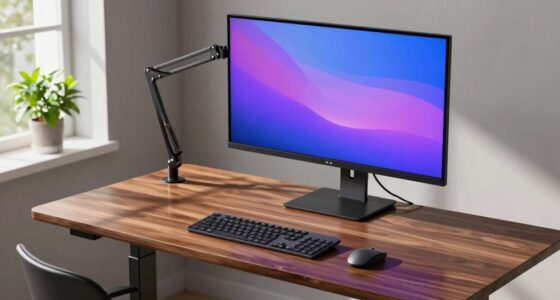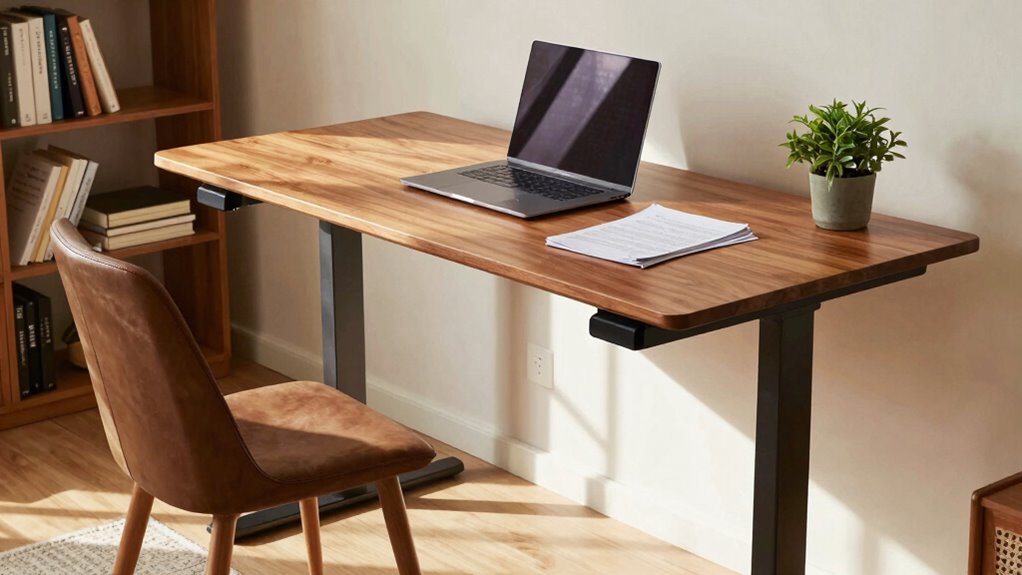
Overloading your standing desk beyond its weight capacity can cause instability, wobbling, and damage over time. It’s important to distribute weight evenly and check the manufacturer’s guidelines. Heavy accessories like monitors and keyboards should be placed carefully, especially near the center. If you disregard these limits, your desk may feel unsafe and frustrating to use. Keep these tips in mind, so your setup stays secure and functional—there’s more to guarantee stability if you keep exploring.
Key Takeaways
- Overloading your standing desk beyond its weight limit can cause instability and wobbling.
- Improper weight distribution, such as placing heavy items on one side, makes the desk feel unsteady.
- Neglecting manufacturer guidelines on weight capacity leads to structural strain and discomfort.
- Using heavy accessories without considering support mechanisms can compromise desk stability.
- Failing to regularly inspect and maintain support components can cause unexpected wobbling or collapse.
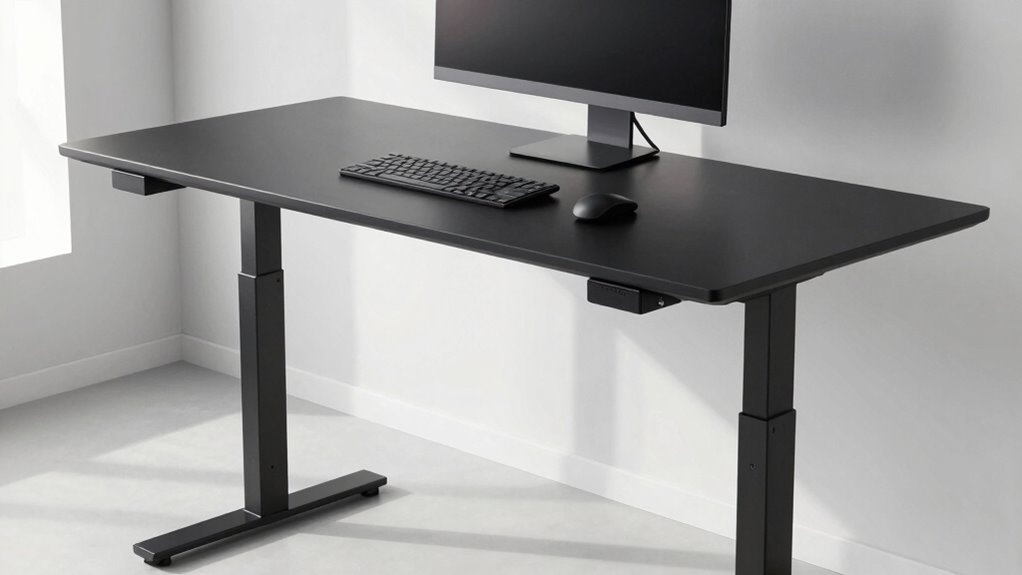
Have you ever wondered how much weight your standing desk can support? It’s an essential question, especially if you’ve invested in ergonomic accessories like monitor arms, keyboard trays, or even standing mats. Knowing the weight capacity helps you avoid overloading the desk, which can compromise its stability and cause unnecessary frustration. When your desk isn’t stable, it feels wrong at home, making it harder to focus and work comfortably. Many people overlook this vital detail, assuming their desk can handle anything, but ignoring weight limits can lead to wobbling or even damage over time.
Your standing desk’s weight capacity isn’t just about the top surface; it also depends on the overall construction, including the frame and support mechanisms. If you add too much weight—say, a heavy monitor, a large ergonomic keyboard, and a stack of books—you risk destabilizing the entire setup. This is especially true if your desk isn’t designed with robust materials or if you’ve installed accessories that increase the load beyond the recommended limit. Ergonomic accessories are meant to improve comfort and efficiency, but they also add weight. When shopping for accessories, always check their weight specifications and make certain they won’t push your desk beyond its capacity.
Desk stability is vital for a safe and productive workspace. A stable desk won’t wobble or shake when you type or adjust your equipment. When you overload it, the structure can become compromised, leading to a less secure work environment. The key is to balance your setup: use ergonomic accessories wisely and distribute weight evenly across the surface. For example, place heavier items closer to the center and avoid cluttering one side, which can cause imbalance. Also, periodically inspect your desk for any signs of strain or wobbling, especially if you’ve added new accessories or equipment. Additionally, understanding the importance of support mechanisms in a desk’s construction can help you choose a model that offers better stability and longevity. A well-designed support system can greatly enhance your desk’s load-bearing capacity, ensuring it remains stable under regular use.
Furthermore, selecting a desk with a sturdy frame and reliable support features can significantly enhance its capacity to hold weight without feeling unstable. To prevent issues, always adhere to your desk’s weight limit. If you’re unsure, consult the manufacturer’s guidelines or look for reviews that mention load capacity. Investing in a desk with a higher weight capacity might be worth it if you plan to use multiple monitors or heavy accessories. Remember, a well-constructed desk with good desk stability will support your needs without feeling wrong at home. Also, considering additional support options such as crossbars or reinforced legs can further improve stability and support heavier loads. By understanding and respecting your standing desk’s weight limits and incorporating ergonomic accessories thoughtfully, you’ll create a safer, more comfortable workspace that lasts. Additionally, being aware of weight distribution can help you optimize your setup to maintain stability and prevent undue stress on your desk components.

VIVO Single 13 to 38 inch Ultrawide Monitor Arm Desk Mount, Regular Screens up to 32 inches, 22 lbs capacity, Fully Adjustable Stand with C-Clamp and Grommet Base, Black, STAND-V001
- Screen Compatibility: Fits monitors up to 38 inches, 22 lbs
- Adjustable Articulation: Tilt, swivel, rotate, and height adjustable
- Easy Mounting: Secure desk clamp and grommet base
As an affiliate, we earn on qualifying purchases.
As an affiliate, we earn on qualifying purchases.
Frequently Asked Questions
How Do I Safely Test My Standing Desk’s Weight Limit?
To safely test your standing desk’s weight limit, start with ergonomic adjustments to guarantee proper posture. Gradually add weight in small increments, closely monitoring stability during each step. Perform stability testing by gently pressing down on the surface to check for wobbling or shifting. If the desk feels secure and stable without any wobbling, you’re within a safe weight range. Always avoid sudden, heavy loads to prevent damage.
Can I Add Accessories Without Exceeding Weight Capacity?
Think of your desk as a delicate balancing act on a tightrope—adding accessories is like carefully placing weights to maintain harmony. You can add ergonomic accessories, but you must keep an eye on weight distribution. Distribute weight evenly across the surface, avoiding concentrated loads that could surpass the weight capacity. With attentive planning, your desk stays steady and functional, supporting your productivity without tipping the balance.
What Signs Indicate My Desk Is Overloaded?
If your desk feels unstable or wobbly, it’s a sign you’re overloaded and risking your ergonomic posture and desk stability. You might notice creaking sounds, uneven surfaces, or difficulty adjusting the height smoothly. These issues indicate the weight exceeds the desk’s capacity, compromising safety and comfort. To prevent discomfort and damage, reduce the load and make sure your accessories and equipment stay within the specified weight limit.
Does Weight Capacity Vary Between Desk Models?
You might notice that weight capacity varies between desk models because material durability and weight distribution differ. Like finding a perfect fit in a puzzle, selecting a desk that matches your needs is vital. When you consider these factors, you guarantee your desk can handle your daily essentials comfortably. Overloading a desk might seem harmless, but understanding these variations helps you avoid unnecessary stress and prolongs its lifespan.
How Often Should I Check My Desk’s Weight Capacity?
You should check your desk’s weight capacity whenever you make ergonomic adjustments or add new equipment. Regularly evaluating ensures your desk maintains stability and supports your workspace safely. If you notice wobbling or instability, it’s time to verify the weight capacity and adjust your setup accordingly. Doing this prevents accidents, prolongs your desk’s life, and keeps your workspace ergonomic and secure. Aim for monthly checks or after significant changes.

VIVO Large Keyboard Tray Under Desk Pull Out with Extra Sturdy C Clamp Mount System, 27 (33 Including Clamps) x 11 Inch Slide-Out Platform Computer Drawer for Typing, Black, MOUNT-KB05E
- Space-Saving Design: Holds keyboard, mouse, accessories below desk
- Ergonomic Typing Angles: Slides in/out for comfortable use
- Adjustable Extension: Extends up to 8.5 inches from desk edge
As an affiliate, we earn on qualifying purchases.
As an affiliate, we earn on qualifying purchases.
Conclusion
So, next time you choose a standing desk, don’t overlook the weight capacity—yeah, the one that seems like a minor detail. Because, trust me, it’s the sneaky villain that transforms your sleek setup into a wobbly disaster faster than you can say “ergonomic.” Ironically, what’s supposed to support you might just end up making your workspace feel more unstable than sitting ever did. Sometimes, it’s the little things that turn comfort into chaos.

OffiGo 71" Executive Electric Standing Desk Height Adjustable, Rustic Brown
- Electric Height Adjustment: Smooth from 29.1” to 48”
- Memory Presets: Save and recall preferred heights
- Heavy-Duty Construction: Supports up to 154 lbs
As an affiliate, we earn on qualifying purchases.
As an affiliate, we earn on qualifying purchases.

Trideer Yoga Ball Chair with Base for Office Desk, Exercise & Stability Ball Seat, Pilates Ball for Core Training, Pregnancy Ball for Comfort, Back Pain Relief & Active Sitting
- Improves Posture for Comfort: Supports natural, balanced sitting posture
- Stable Base for Safety: Prevents rolling, ideal for pregnancy use
- Anti-Burst Safety Design: Durable honeycomb structure for slow deflation
As an affiliate, we earn on qualifying purchases.
As an affiliate, we earn on qualifying purchases.