
When choosing a 4K monitor, match its size to your desk distance for the best experience. A 27-inch screen works well if you’re 2 to 3 feet away, while 24 inches suit closer distances of 18 to 24 inches. Larger monitors, like 32 inches or more, are ideal if you sit farther back. Proper sizing reduces eye strain, improves posture, and enhances clarity. Keep exploring to discover how to pick the perfect size for your setup.
Key Takeaways
- Match monitor size to your typical viewing distance to reduce eye strain and improve ergonomic comfort.
- For 2-3 feet distance, a 27-inch monitor balances clarity and comfort effectively.
- 4K resolution allows larger screens without pixelation, but size should complement your workspace for optimal sharpness.
- Larger monitors (32-inch or more) are ideal for longer distances but need proper ergonomic positioning.
- Consider your desk setup and viewing habits to choose a monitor size that minimizes neck and eye fatigue.
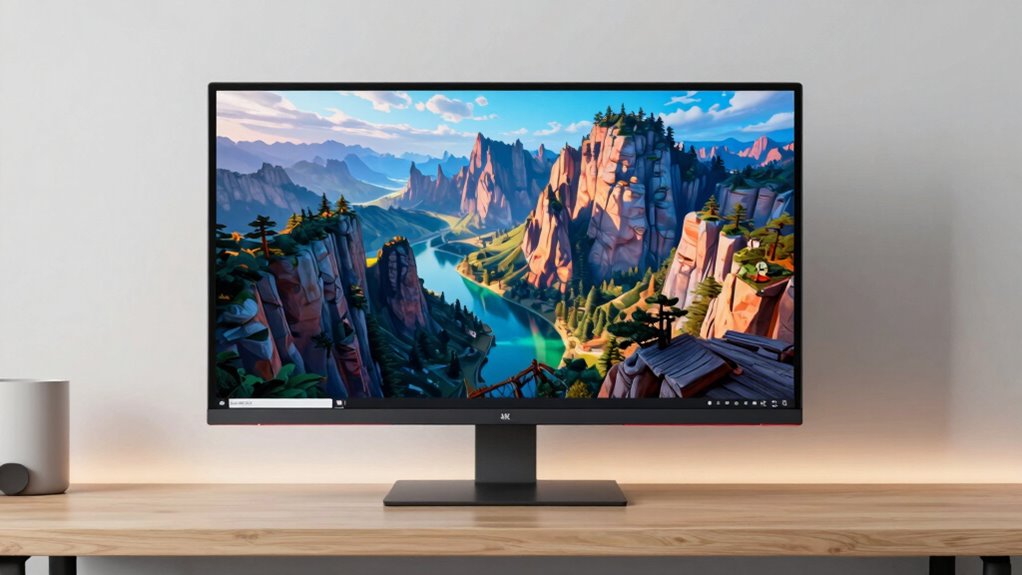
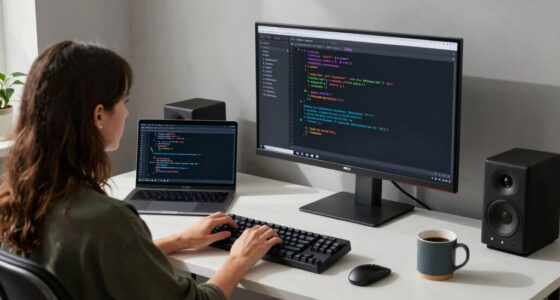
Are you wondering what the ideal 4K monitor size is for your desk distance? Picking the right size isn’t just about aesthetics or screen real estate; it’s about ensuring ergonomic comfort and optimal visual clarity. When you sit at your desk, the distance between you and your screen significantly influences how you perceive images and text. A monitor that’s too small can cause you to strain your eyes or lean forward, while one that’s too large might force you to turn your head or reposition yourself constantly. The goal is to find a size that allows you to comfortably view the entire screen without sacrificing clarity or comfort.
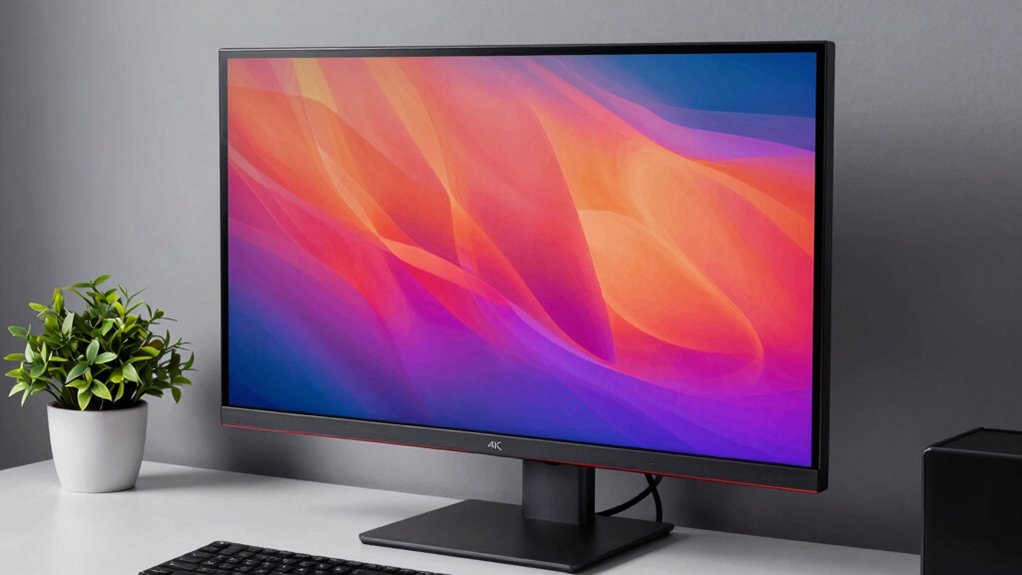
For most desk setups, a 27-inch 4K monitor strikes a good balance, especially if you sit about 2 to 3 feet away. This size provides sharp, detailed visuals without overwhelming your field of view, helping you maintain good ergonomic posture. With a 27-inch screen, you can see everything clearly without needing to move your head excessively, which reduces neck strain. If you sit closer—say, 18 to 24 inches—you might prefer a slightly smaller screen, like 24 inches, to prevent visual clutter or excessive eye movement. Conversely, if your workspace allows for a greater distance, a 32-inch or larger monitor can be ideal, giving you immersive visual clarity and reducing the need for constant zooming or squinting.
Size isn’t the only factor to consider. The resolution of 4K amplifies the importance of choosing the right monitor size because it enhances visual detail. When paired with an appropriately sized display, 4K ensures that text remains crisp, images are vibrant, and fine details are easily distinguishable. This synergy between monitor size and resolution can significantly improve your overall viewing experience. It’s also worth noting that ergonomic considerations can significantly impact your long-term comfort and productivity. Additionally, considering workspace ergonomics can help you select a monitor size that promotes better posture and reduces fatigue over time.
In essence, the best 4K monitor size for your desk distance depends on your workspace, your typical viewing habits, and your need for visual detail. Remember, it’s not just about fitting the biggest screen on your desk but about finding a size that supports your posture, reduces eye strain, and keeps your visuals sharp. When you get this right, your work becomes more comfortable, your eyes stay less fatigued, and you enjoy the full benefits of 4K clarity without sacrificing ergonomic health.

Dell 27 Plus 4K Monitor – S2725QS – 27-inch 4K (3840 x 2160) 120Hz 16:9 Display, IPS Panel, AMD FreeSync Premium, sRGB 99%, Integrated Speakers, 1500:1 Contrast Ratio, Comfortview – Ash White
Improved ComfortView Plus: Reduces harmful blue light emissions to ≤35%, for all-day comfort without sacrificing color accuracy.
As an affiliate, we earn on qualifying purchases.
As an affiliate, we earn on qualifying purchases.
Frequently Asked Questions
How Does Monitor Size Affect Eye Strain Over Long Periods?
Monitor size impacts eye strain because larger screens can cause you to move your eyes more, leading to fatigue. If the monitor isn’t ergonomically designed, you might strain your neck or eyes, especially over long periods. Prioritize a size that matches your desk distance, and look for features like good color accuracy and ergonomic design, which help reduce eye fatigue and make extended use more comfortable.
Is a Larger Monitor Always Better for 4K Resolution?
A larger monitor isn’t always better for 4K resolution. Studies show that excessive size can reduce resolution clarity if you’re too close, causing pixelation or eye strain. You want a size that balances resolution with your desk distance for aesthetic appeal and sharpness. Typically, a 27-32 inch monitor offers the perfect blend of clarity and comfort, ensuring you enjoy crisp visuals without sacrificing ergonomics or visual quality.
How Do Desk Space Limitations Influence Monitor Size Choice?
Desk space limitations play a big role in choosing your monitor size. You need to take into account ergonomic adjustments to prevent strain, making sure the monitor fits comfortably within your workspace. Smaller monitors can still deliver a crisp 4K display without cluttering your desk, and they often enhance aesthetic considerations by creating a clean, organized look. Measure your space carefully, prioritize comfort, and select a size that balances performance with your available room.
What Is the Ideal Monitor Size for Multi-Monitor Setups?
You should opt for 27-32 inch monitors in your multi-monitor setup, as this size balances ergonomic adjustments and aesthetic considerations. Larger screens provide ample space for multitasking without overwhelming your desk or causing eye strain. Keep in mind, some believe bigger is better, but clarity and comfort really depend on your desk space and viewing distance. Test different sizes to find the perfect balance for your workspace.
Does Monitor Size Impact Gaming Performance or Responsiveness?
Monitor size doesn’t directly impact gaming performance or responsiveness, but it influences your experience. Larger screens can enhance immersion, especially with high refresh rates, but may require better hardware. Color accuracy affects visual quality, especially in competitive games where detail matters. Ultimately, choose a size that fits your desk and comfort, and prioritize high refresh rates for smoother gameplay, regardless of monitor size.
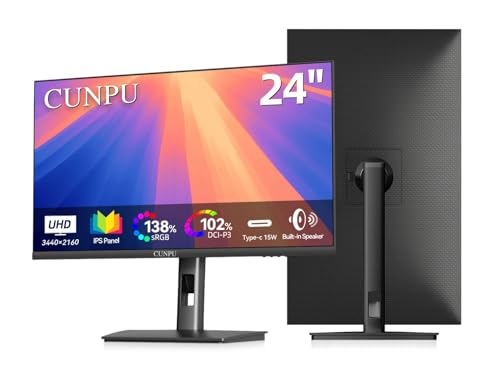
CUNPU 24" 4K UHD Professional USB-C Monitor, 100% sRGB/DCI-P3, E2 Color Accuracy, 185 PPI Pixel-Perfect Clarity, for Mac Laptop Screen Extender, HDMI/DP, Built-in Speakers, Ergonomic Stand
Ultimate Clarity for Pixel-Perfect Work: Experience unprecedented 185 PPI pixel density on this 24-inch 4K screen. Text and…
As an affiliate, we earn on qualifying purchases.
As an affiliate, we earn on qualifying purchases.
Conclusion
Choosing the right 4K monitor size might seem straightforward, but it’s like finding the perfect seat in a theater—you need the right distance to truly enjoy the show. Bigger isn’t always better; a large screen close up can strain your eyes, while a smaller one from afar might miss details. Balance is key. Think of your desk as your stage—select a size that lets you see the full performance without squinting or feeling overwhelmed.
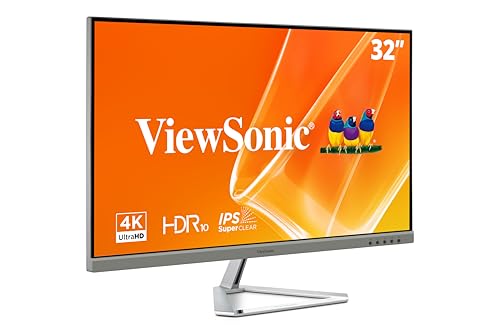
ViewSonic VX3276-4K-MHD 32 Inch 4K Monitor, IPS Display with HDR10 and Eye Care Technology for Ultimate Home and Office Entertainment, Ultra-Thin Bezels, DisplayPort, and HDMI Inputs
VERSATILE MONITOR: 32 Inch 4K UHD (3840x2160p) MVA monitor with thin bezels and 60Hz refresh rate
As an affiliate, we earn on qualifying purchases.
As an affiliate, we earn on qualifying purchases.

Grandder 55×32 Extra-Deep Electric Standing Desk, Wide Desktop Fits 49" Ultrawide Monitor+Dual Screens, 176 lbs Capacity, 2 Memory Presets, Anti Collision, Computer Desk for Home Office & Gaming, Oak
【Extra-Deep 31.5-inch Desktop】 – 4 Inches Deeper Than Standard 55" Desks: At 31.5" deep, this desk gives you…
As an affiliate, we earn on qualifying purchases.
As an affiliate, we earn on qualifying purchases.