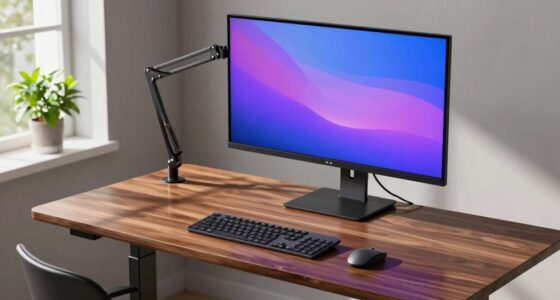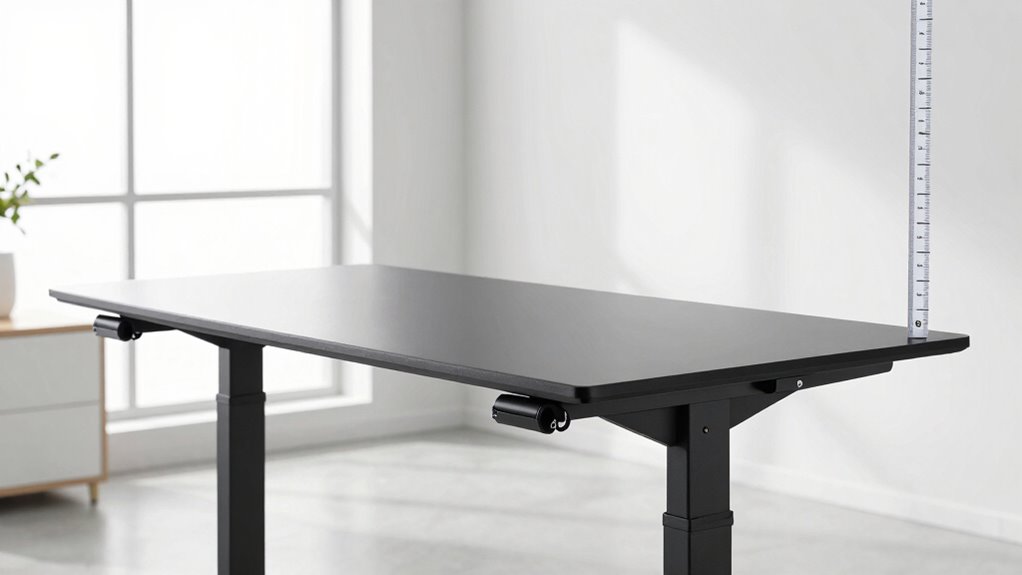

To find the right standing desk height, aim for your elbows to rest at a 90-degree or slightly greater angle when your hands are on the desk. The top of your monitor should be at eye level to avoid neck strain. Adjustable desks help you customize the height easily, accommodating your body’s needs. Ensuring these measurements align with ergonomic principles can keep you comfortable and prevent long-term issues. Keep exploring to discover more tips for setting up your ideal workspace.

Get business pricing on your home office setup
- Business-only prices and quantity discounts
- Tax-exempt purchasing
- Multiple users, one account, clear invoices
Key Takeaways
- Measure elbow height when standing to determine the optimal desk height, usually around wrist level or slightly below for comfort.
- Ensure the desk allows your elbows to rest at a 90-degree or slightly greater angle during work.
- Adjust monitor height to eye level to prevent neck strain, complementing the correct desk height.
- Use adjustable desks to accommodate changing postures and ergonomic needs throughout the day.
- Follow ergonomic principles to set a desk height that promotes proper posture and reduces discomfort.
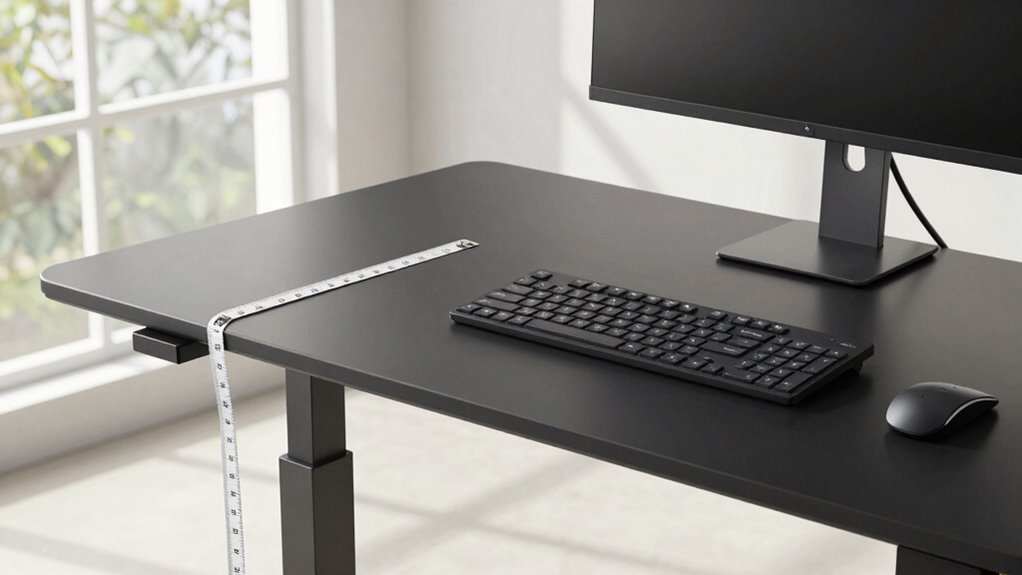
A proper standing desk height range is essential for maintaining comfort and preventing strain during your workday. When you set your desk at the right height, you’re not just improving your posture—you’re also unlocking the full ergonomic benefits that help you stay productive and pain-free. The key is understanding the ideal measurement that suits your body, which can be achieved through adjustable features that many modern desks now offer. Without these, you risk investing in a desk that doesn’t fit your needs, leading to discomfort and long-term health issues.
To determine the correct standing desk height, you should aim for your elbows to be at a 90-degree angle or slightly more when your hands rest on the desk surface. This position minimizes shoulder and neck tension, making it easier to work for extended periods. The height of your monitor also plays a role here; it should be at eye level to prevent neck strain. When your desk incorporates adjustable features, you can fine-tune these settings easily, ensuring your workspace adapts to your changing needs throughout the day. Additionally, understanding ergonomic principles can help optimize your setup for better comfort and health. Implementing proper posture techniques can further enhance your overall ergonomic setup to prevent discomfort.
Incorporating adjustable features into your workspace not only enhances comfort but also encourages healthier work habits and prevents discomfort over time. Recognizing the importance of personal ergonomics can further enhance your workspace setup for optimal well-being. A well-structured ergonomic setup is a fundamental aspect of healthy work habits that promotes long-term comfort and productivity.
As an affiliate, we earn on qualifying purchases.
Frequently Asked Questions
How Do I Adjust My Standing Desk for Ergonomic Comfort?
To adjust your standing desk for ergonomic comfort, first set the height so your elbows are at a 90-degree angle when typing. Keep your monitor at eye level to avoid neck strain. Use desk accessories like a footrest or anti-fatigue mat for better posture tips. Regularly shift your weight and take breaks to prevent fatigue. Proper adjustment and accessories help you maintain comfort and reduce strain during long standing periods.
What Factors Influence the Ideal Standing Desk Height?
You need to contemplate several factors for the perfect height. Imagine your posture correction and foot positioning aligning seamlessly—your elbows should rest at a 90-degree angle, and your feet flat on the ground. The ideal standing desk height depends on your body proportions, ensuring comfort during long hours. Pay close attention to these details, and you’ll open a workspace that promotes health and productivity.
Can a Standing Desk Be Customized for Different Users?
Yes, you can customize a standing desk for different users. Many desks come with adjustable features, allowing you to set the perfect height for each person. To guarantee proper fit, use ergonomic accessories like keyboard trays and monitor stands, and refer to desk height charts. These tools help you find the right setup, preventing discomfort and promoting good posture for everyone who uses the desk.
How Often Should I Change Desk Height During the Day?
You should change your desk height every 30 to 60 minutes to prevent strain and maintain good posture habits. Studies show that prolonged static postures can increase discomfort and reduce productivity. Use desk accessories like adjustable monitor stands or footrests to support this routine. Regularly shifting your position helps you stay comfortable and engaged, reducing fatigue and improving overall health throughout your workday.
Are There Specific Measurements for Different Desk Types?
Yes, there are specific measurements for different desk types, and using ergonomic accessories can help you find the perfect fit. Check desk height charts tailored to your desk style—sit-stand, adjustable, or fixed—to guarantee ideal ergonomics. For standing desks, aim for a height where your elbows are at a 90-degree angle and your monitor is eye level. Proper measurements reduce strain and improve comfort during your workday.
As an affiliate, we earn on qualifying purchases.
Conclusion
Think of your standing desk as a trusty ship’s wheel—when it’s set just right, it guides you smoothly through your workday. If it’s too high or too low, you’ll struggle to steer straight and stay comfortable. By finding that perfect height range, you’re steering clear of discomfort and misdirection. Remember, the right measurement isn’t just about comfort; it’s your compass for a productive, pain-free journey at your desk.
As an affiliate, we earn on qualifying purchases.
As an affiliate, we earn on qualifying purchases.
Halloween Picks
halloween
As an affiliate, we earn on qualifying purchases.