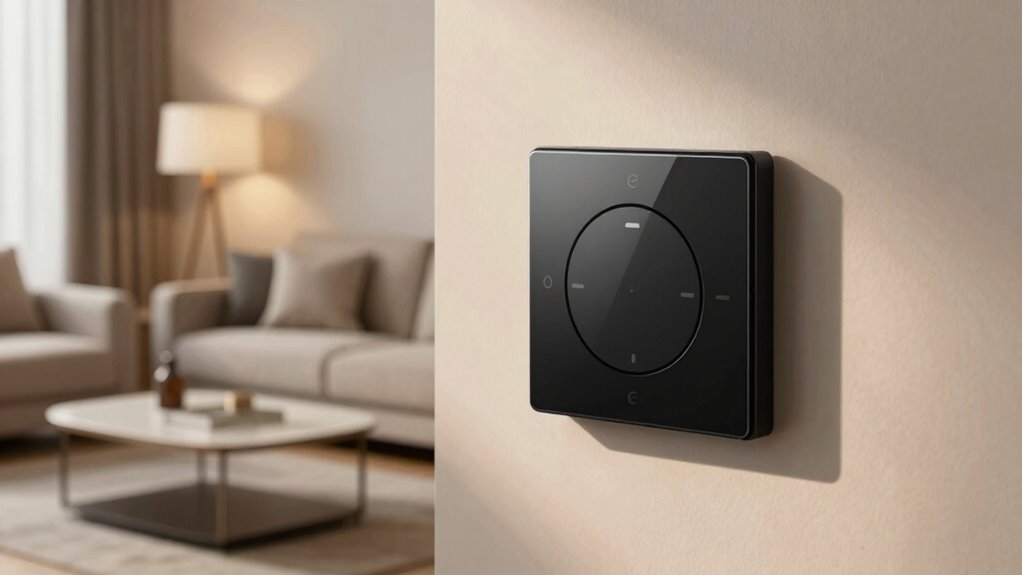

Before buying a smart dimmer, you need to check its wireless protocol—Zigbee, Z-Wave, Wi-Fi, or Bluetooth—to guarantee it matches your home system. Pay attention to wiring requirements, especially if your switch box lacks neutral wires, which can complicate installation. Also, verify compatibility with your bulbs to avoid flickering. Firmware updates, app integrations, and physical fit matter too. Want detailed tips to avoid common pitfalls? Keep exploring to get all the essential insights.

Get business pricing on your home office setup
- Business-only prices and quantity discounts
- Tax-exempt purchasing
- Multiple users, one account, clear invoices
Key Takeaways
- Verify the dimmer’s wireless protocol matches your existing smart home hub or system to avoid compatibility issues.
- Check if your home’s wiring includes a neutral wire, as many smart dimmers require it for proper installation.
- Confirm bulb compatibility, especially for LEDs and CFLs, to prevent flickering or dimming failures.
- Keep firmware and software updated to ensure seamless integration with voice assistants and automation routines.
- Ensure the dimmer’s physical size fits your switch plate without blocking outlets or other switches.
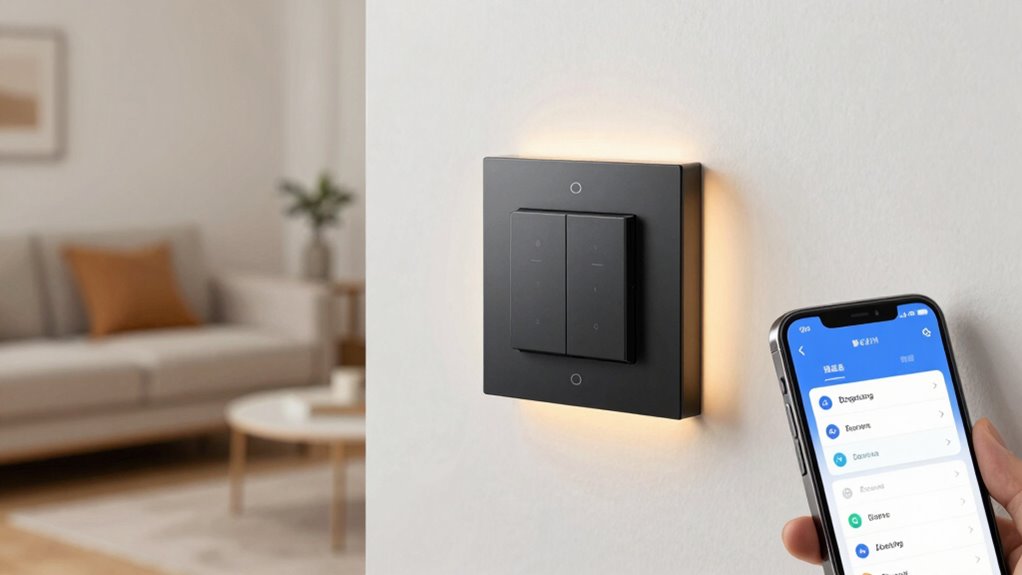
When choosing a smart dimmer, understanding its compatibility with your existing lighting setup is crucial to guarantee smooth operation and avoid surprises. One of the most overlooked aspects is how the dimmer communicates with your other smart devices, which hinges on wireless protocols. Different smart dimmers use various protocols like Zigbee, Z-Wave, Wi-Fi, or Bluetooth. If your home already has a smart hub or system, you’ll want to select a dimmer that matches that protocol to ensure seamless integration. For example, pairing a Zigbee dimmer with a Z-Wave hub won’t work without additional hardware or complex workarounds. Similarly, if you rely on Wi-Fi-based systems, choosing a Wi-Fi-enabled dimmer simplifies setup and reduces compatibility issues. Understanding these wireless protocols upfront can save you a lot of frustration later, especially during installation. Additionally, some smart dimmers are designed to work with specific wireless protocols, so verifying this compatibility before purchasing can prevent costly mistakes. It’s also helpful to review the manufacturer’s specifications to confirm compatibility with your existing system. Speaking of installation, many people underestimate the potential challenges involved in installing a smart dimmer. Even if you’re comfortable with basic wiring, smart dimmers often require specific wiring configurations or additional components like neutral wires, which aren’t present in all homes. Some models may need a neutral wire to function properly, and if your switch box lacks one, you’ll face installation challenges that could require professional help or creative wiring solutions. Knowing the installation requirements beforehand can help you plan better and avoid surprises during setup. Besides wiring, you also need to evaluate the compatibility of your existing bulbs. Not all LED or CFL bulbs dim smoothly with every smart dimmer, which can lead to flickering or unreliable dimming performance. You might need to replace bulbs or choose a dimmer specifically designed to work with certain bulb types. It’s also worth noting that software updates and firmware compatibility can impact how well your smart dimmer functions within your home automation system, so staying informed about updates can be beneficial. Another often-overlooked factor is how well the dimmer integrates with your home’s automation system. Compatibility extends beyond just wiring and protocols; it includes how easily the dimmer can connect to your voice assistants, apps, or automation routines. Some models require specific apps or firmware updates to work properly, and ignoring these details can lead to frustration down the line. Also, consider the physical compatibility—measure your switch plates and check if the smart dimmer fits without blocking other switches or outlets. Being aware of wireless protocol compatibility can help you avoid the hassle of incompatible devices, especially if you plan to expand your smart home ecosystem later on.
As an affiliate, we earn on qualifying purchases.
Frequently Asked Questions
Can I Use a Smart Dimmer With Existing Non-Smart Bulbs?
You can’t use a smart dimmer with existing non-smart bulbs, because smart bulb limitations prevent them from dimming like traditional bulbs. Smart dimmers are designed for compatible bulbs, and using non-smart bulbs can lead to flickering or damage. Dimmer installation challenges also arise if your bulbs aren’t compatible, making it essential to check bulb specifications before upgrading. For smooth performance, opt for dimmable smart bulbs specified for your smart dimmer.
Will a Smart Dimmer Work With All LED Bulbs?
A smart dimmer may not work with all LED bulbs, as bulb compatibility varies. Before dimmer installation, check if your LED bulbs are listed as compatible with the dimmer model. Some LEDs flicker or don’t dim smoothly if incompatible. To guarantee a seamless experience, verify bulb compatibility and follow the manufacturer’s instructions for dimmer installation. This will help you avoid issues and maximize your smart dimmer’s performance.
Do Smart Dimmers Require a Neutral Wire?
Did you know that many smart dimmers do require a neutral wire for proper installation? This is essential for reliable wireless control and smooth operation. If your home lacks a neutral wire, you might face installation hurdles or need an alternative dimmer model. Always check the installation requirements before buying, ensuring compatibility with your wiring system. Otherwise, you might end up with a smart dimmer that doesn’t work as expected.
How Do I Troubleshoot Flickering Issues With Smart Dimmers?
To troubleshoot flickering, start by checking installation challenges—ensure the dimmer is installed correctly and compatible with your bulb type. Compatibility issues often cause flickering, so confirm your bulbs match the dimmer’s specifications. Turn off power before inspecting wiring. If flickering persists, consider replacing incompatible bulbs or updating the dimmer model. Also, verify that the dimmer’s load capacity isn’t exceeded to prevent ongoing flickering problems.
Are Smart Dimmers Compatible With Voice Assistants?
Yes, smart dimmers are compatible with voice assistants like Alexa, Google Assistant, and Siri. You can easily integrate voice command features into your smart home automation setup, allowing you to control lights hands-free. Just make certain your smart dimmer supports your chosen voice platform and that you connect it through the appropriate app or hub. This seamless integration makes managing your lighting more convenient and enhances your overall smart home experience.
As an affiliate, we earn on qualifying purchases.
Conclusion
Ultimately, choosing the right smart dimmer isn’t just about compatibility—it’s about trusting your instincts and the subtle cues the system gives you. Sometimes, a simple flicker or a delayed response hints at a deeper connection you might not initially see. As you navigate this journey, remember that the perfect match often appears when you least expect it, revealing that in technology, as in life, coincidence can lead to the most seamless and satisfying experiences.
As an affiliate, we earn on qualifying purchases.
As an affiliate, we earn on qualifying purchases.
Fall Picks
fall essentials
As an affiliate, we earn on qualifying purchases.