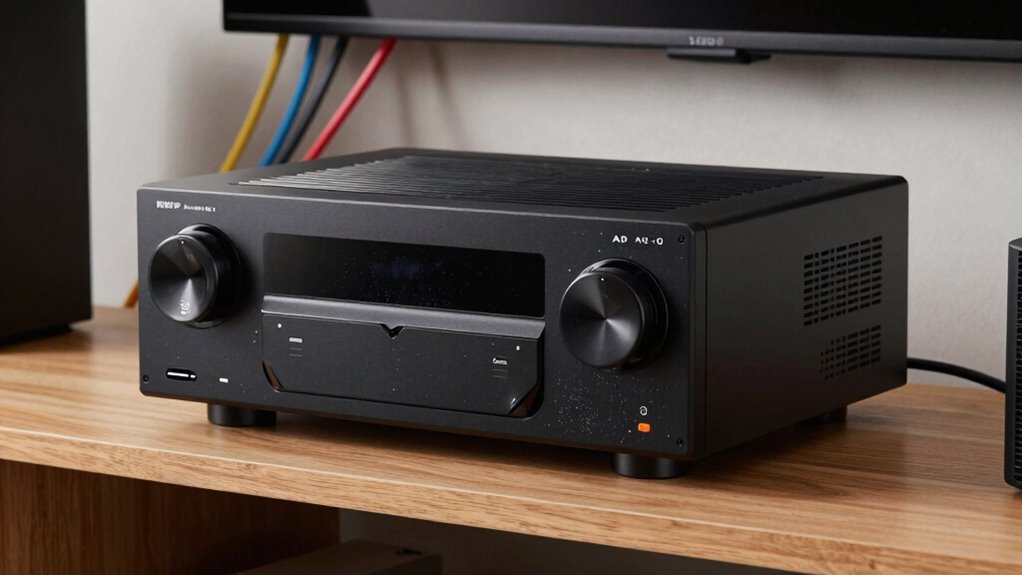

Your AV receiver needs proper ventilation to stay cool and work reliably. Heat builds up during use, which can cause overheating, performance issues, or hardware damage. To prevent this, make sure there’s enough space around it, avoid stacking devices, and keep vents clean. Good airflow and placing your receiver in a well-ventilated area help prolong its lifespan. If you want to learn more about effective heat management, keep exploring these simple but essential tips.

Get business pricing on your home office setup
- Business-only prices and quantity discounts
- Tax-exempt purchasing
- Multiple users, one account, clear invoices
Key Takeaways
- Proper ventilation prevents overheating, protecting internal components and extending the AV receiver’s lifespan.
- Ensure sufficient space around the receiver for airflow; avoid stacking or enclosed placements.
- Regularly clean vents and fans to maintain effective heat dissipation.
- Use well-ventilated environments and consider additional cooling solutions like fans or ventilation holes.
- Supporting airflow with vents, fans, and appropriate placement optimizes heat management and device performance.

Ever wondered why proper ventilation is crucial for your AV receiver? It’s because your receiver generates heat during operation, and if that heat isn’t managed appropriately, it can lead to performance issues or even damage. Your AV receiver’s cooling requirements are often overlooked, but they are essential for maintaining its longevity and peak functioning. When your receiver runs, it dissipates heat through its internal components, and if that heat isn’t effectively transferred away, it builds up inside the unit. Without proper heat dissipation, internal temperatures rise beyond safe limits, which can cause components to overheat, throttle performance, or fail prematurely.
Proper ventilation prevents overheating, ensuring your AV receiver performs reliably and lasts longer.
Understanding how heat dissipation works helps you realize why ventilation is more than just a minor detail. It’s a crucial aspect of your receiver’s design and placement. If your AV receiver is packed into a tight cabinet or placed in a poorly ventilated area, heat can quickly accumulate. This can lead to thermal shutdowns or decreased audio and video quality, especially during long movie marathons or intense gaming sessions. Good ventilation ensures that heat escapes from the device efficiently, allowing fresh air to circulate and carry away excess warmth. Proper ventilation design plays a significant role in ensuring that heat is managed effectively. Additionally, considering the environmental conditions around your setup can further improve heat dissipation and prevent overheating.
You don’t need complicated equipment to improve ventilation—simple measures like ensuring there’s enough space around the receiver and avoiding stacking other electronics on top can make a big difference. Many modern AV receivers come with built-in cooling fans or vents designed to facilitate airflow. However, these features only work effectively if the surrounding environment supports proper heat dissipation. Regularly cleaning dust from vents and fans helps maintain their efficiency, preventing unnecessary heat buildup. An environment with good airflow complements the receiver’s cooling features, enhancing overall performance. Being mindful of heat buildup and taking steps to reduce it can prolong your device’s lifespan.
Your goal should be to create an environment where the receiver’s cooling requirements are met comfortably. This means placing it in a well-ventilated area with stable room temperatures and avoiding enclosed spaces that trap heat. Remember, even a small increase in ambient temperature can markedly impact your receiver’s ability to dissipate heat properly. Investing in a dedicated rack with ventilation holes or installing additional fans can further enhance heat dissipation if you notice your device running hot. Proper airflow management is vital to prevent overheating and extend the lifespan of your equipment. Ensuring adequate ventilation is a simple yet effective way to keep your AV system running smoothly and reliably over time.
As an affiliate, we earn on qualifying purchases.
Frequently Asked Questions
How Do I Know if My AV Receiver Is Overheating?
You’ll know your AV receiver is overheating if it feels excessively warm to the touch, especially around the vents. Watch for increased fan noise, which indicates the unit is working harder to dissipate heat. If it shuts down unexpectedly or displays warning lights, those are signs it’s overheating. Proper ventilation helps with heat dissipation, preventing damage and maintaining peak performance. Keep the vents clear and guarantee good airflow to avoid these issues.
Can Ventilation Improve Audio Quality?
Ventilation can definitely improve audio quality, like clearing fog from a window. When your AV receiver stays cool, it works more efficiently, reducing distortion and noise. Proper speaker placement and acoustic treatment also aid sound clarity, but good ventilation prevents overheating that can cause performance issues. Ensuring your receiver has enough airflow keeps it running smoothly, so your audio remains crisp, clear, and enjoyable without interruptions or degraded sound quality.
Are There Specific Vents Recommended for AV Receivers?
Yes, there are specific vents recommended for AV receivers. You should focus on proper vent placement, ensuring vents aren’t blocked and have enough clearance for airflow. Using ventilation fans can help improve cooling, especially in tight spaces. Position vents strategically around the receiver to promote efficient airflow, preventing overheating. Regularly check and clean vents to maintain ideal ventilation and protect your equipment from heat damage.
How Often Should I Clean the Ventilation Openings?
Like a vintage radio from your grandpa’s attic, your AV receiver needs regular attention. You should clean the ventilation openings every three to six months to prevent dust buildup, which can hinder fan performance. Regular fan maintenance guarantees proper airflow, keeps your receiver cool, and extends its lifespan. Use a soft cloth or compressed air to gently remove dust—don’t forget, a clean vent is a happy, efficient receiver.
Does Room Temperature Affect AV Receiver Cooling?
Yes, room temperature affects your AV receiver’s cooling. If your room has poor insulation, heat builds up, making the receiver work harder and increasing its temperature. Using cooling fans can help, but it’s also essential to keep the room cool and well-ventilated. Proper ventilation prevents overheating, ensuring your receiver runs efficiently and lasts longer. Keep an eye on room temperature and improve insulation for ideal cooling.
As an affiliate, we earn on qualifying purchases.
Conclusion
So, next time your AV receiver starts to overheat, don’t rush to replace it—maybe just give it some air. Ironically, the simplest fix often makes the biggest difference, yet it’s the one most overlooked. Proper ventilation isn’t just a minor detail; it’s the silent hero preventing costly damage and keeping your system running smoothly. Sometimes, the easiest fix is also the most elegant—who knew that a little airflow could be so vital?
As an affiliate, we earn on qualifying purchases.
AV receiver heat dissipation accessories
As an affiliate, we earn on qualifying purchases.
As an affiliate, we earn on qualifying purchases.
Fall Picks
fall essentials
As an affiliate, we earn on qualifying purchases.