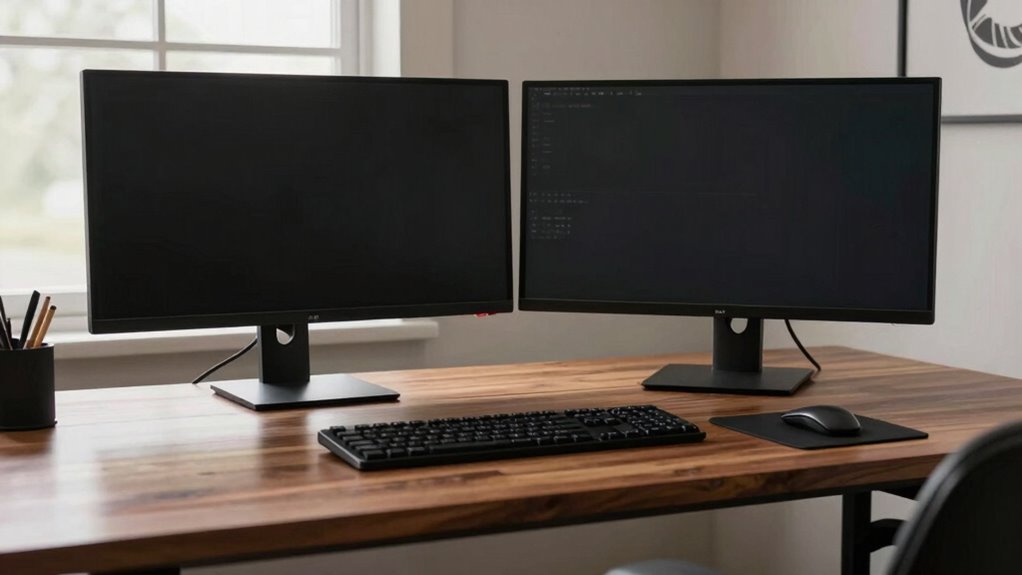

Having the right desk depth is essential when setting up dual monitors because it helps you keep screens at a comfortable arm’s length, reducing eye strain and preventing neck pain. It also guarantees you can position your monitors at the proper angle to avoid glare, while giving you enough space for accessories and neat cable management. Good desk depth promotes better posture and workspace organization, which enhances comfort and productivity. Keep going to discover more tips for an ideal workstation setup.

Get business pricing on your home office setup
- Business-only prices and quantity discounts
- Tax-exempt purchasing
- Multiple users, one account, clear invoices
Key Takeaways
- Adequate desk depth ensures monitors are at an optimal viewing distance, reducing eye strain and promoting better posture.
- It provides space to position dual monitors without crowding, enhancing workspace organization.
- Sufficient depth allows for proper cable management, preventing clutter and potential damage.
- It supports ergonomic setup adjustments, like monitor risers, to prevent neck discomfort over long periods.
- A deeper desk contributes to overall workspace efficiency and a professional appearance.
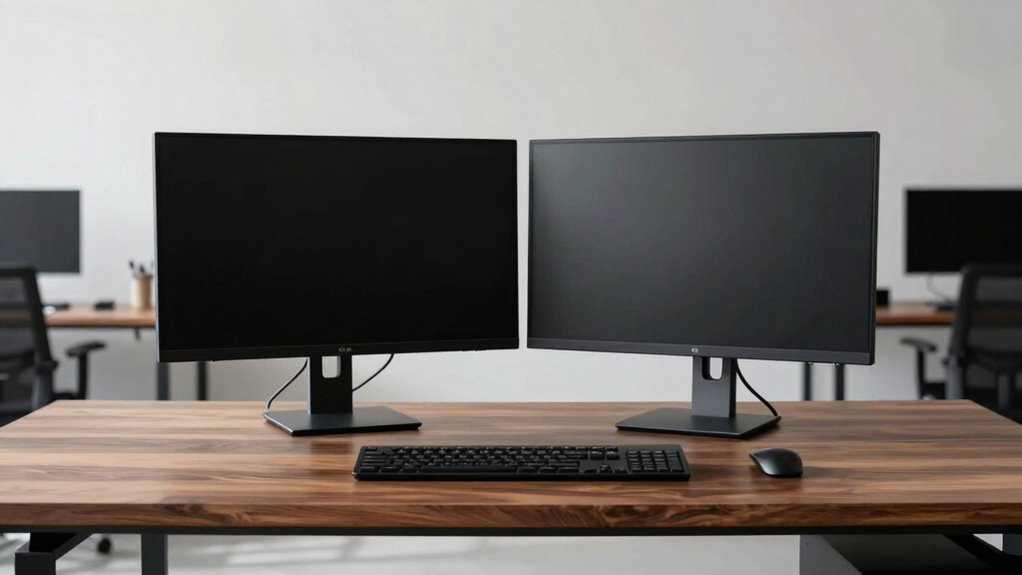
Have you ever wondered how deep your desk should be to comfortably accommodate dual monitors? The depth of your desk plays a vital role in creating an ergonomic setup that keeps you comfortable and productive throughout the day. When your desk isn’t deep enough, you might find yourself straining your neck or eyes trying to see both screens clearly, which can lead to discomfort or even long-term health issues. On the other hand, a desk that’s too deep could mean reaching awkwardly for your mouse or keyboard, disrupting your workflow. Striking the right balance is essential to set up your workspace efficiently.
A proper desk depth ensures your monitors are positioned at an ideal viewing distance, generally about an arm’s length away. This distance minimizes eye strain and helps you maintain proper posture. With dual monitors, this becomes even more important because you need enough space to position both screens without overlapping or crowding your workspace. An adequate depth allows you to angle the monitors slightly, reducing glare and reflections, which further enhances your comfort and productivity. Additionally, selecting the right desk depth can help prevent long-term musculoskeletal issues by promoting correct posture during extended work sessions. Ensuring your workspace is designed with ergonomic principles in mind can significantly improve your overall comfort.
Beyond just positioning, the depth of your desk influences your overall ergonomic setup. When your desk is deep enough, you can comfortably keep your keyboard and mouse within natural reach, preventing strain on your shoulders and wrists. It also provides space for a proper monitor riser or stand, elevating screens to eye level. This adjustment is critical in maintaining good posture and preventing neck pain, especially during long work sessions. Having adequate depth also allows for better cable management, making it easier to organize and secure your wires away from your workspace. Proper cable management can also help avoid clutter, which contributes to a more focused and stress-free environment. Moreover, choosing the right depth can help accommodate additional peripherals or accessories you might want to include in your setup.
Cable management becomes more straightforward with a well-sized desk depth. When your workspace has enough room behind your monitors and peripherals, you can organize your cables neatly using clips, sleeves, or under-desk trays. A cluttered setup not only looks unprofessional but can also cause accidental disconnections or damage to your equipment. Proper cable management also ensures your workspace remains safe and efficient, reducing the risk of tripping hazards or accidental unplugging. Additionally, a thoughtfully chosen desk depth can contribute to a more organized workspace, which boosts productivity and reduces stress.
Ultimately, choosing the right desk depth for dual monitors isn’t just about fitting two screens; it’s about creating an ergonomic setup that supports your health and productivity. It’s worth investing in a desk that offers sufficient depth to accommodate your monitors, peripherals, and cables comfortably. When you prioritize this aspect, you set yourself up for long-term comfort, better focus, and a cleaner, more organized workspace. Remember, a well-considered desk depth isn’t just a luxury—it’s a necessity for anyone serious about their work environment.
As an affiliate, we earn on qualifying purchases.
Frequently Asked Questions
How Do I Measure My Current Desk Depth Accurately?
To measure your current desk depth accurately, start by placing a tape measure or ruler from the front edge to the back of your desk. Make certain you keep the tape straight and level. Consider your material options and aesthetic styles during measurements, as these influence space and design. Double-check your measurement for consistency, and note the depth for selecting ergonomic setups or new furniture.
What Is the Ideal Desk Depth for Ergonomic Comfort?
Did you know that 80% of people experience discomfort from poor ergonomic posture? For dual monitors, an ideal desk depth is around 30-36 inches. This allows you to position your monitors at eye level, reducing neck strain, and maintain proper monitor positioning. A deeper desk helps prevent clutter, supports ergonomic posture, and guarantees comfortable viewing distances, making your workspace healthier and more efficient.
Can a Deeper Desk Improve Productivity With Dual Monitors?
A deeper desk can definitely boost productivity with dual monitors by improving monitor positioning and reducing neck strain. With more space, you can position monitors at eye level and maintain a suitable viewing distance, which minimizes discomfort. This also helps manage your desk footprint more effectively, keeping your workspace organized. Ultimately, a deeper desk encourages better ergonomics, allowing you to work efficiently and comfortably for longer periods.
Are There Adjustable Desks Suitable for Dual Monitor Setups?
Imagine a workspace that adapts as seamlessly as your needs change—yes, adjustable desks are perfect for dual monitor setups. With ergonomic design and adjustable height, you can customize your desk to reduce strain and boost productivity. These desks let you easily switch between sitting and standing, ensuring ideal comfort. Investing in one means creating a flexible, ergonomic environment that supports your work style and keeps you comfortable throughout the day.
How Does Desk Depth Affect Cable Management and Organization?
A deeper desk improves cable routing and clutter reduction by providing more space behind your monitors and peripherals. With extra depth, you can neatly organize cables, run them through cable management channels, and avoid tangling. This setup makes your workspace look cleaner and more efficient. It also allows you to access ports and connections easily without pulling on cables, ensuring a smoother, clutter-free environment for dual monitors.
ergonomic desk with cable management
As an affiliate, we earn on qualifying purchases.
As an affiliate, we earn on qualifying purchases.
Conclusion
So, next time you’re eyeing that sleek desk, remember—depth isn’t just about style; it’s your secret weapon against neck cramps and eye strain. Because who wouldn’t want their dual monitors to be the perfect blend of accessible and ergonomic? Skip the depth debate, and you might as well invite a chiropractor to your workspace. Trust me, your neck will thank you when you’re not battling the terror of a monitor-induced hunch.
adjustable monitor stand for dual screens
As an affiliate, we earn on qualifying purchases.
As an affiliate, we earn on qualifying purchases.
large ergonomic desk for dual monitors
As an affiliate, we earn on qualifying purchases.
As an affiliate, we earn on qualifying purchases.
Halloween Picks
halloween
As an affiliate, we earn on qualifying purchases.