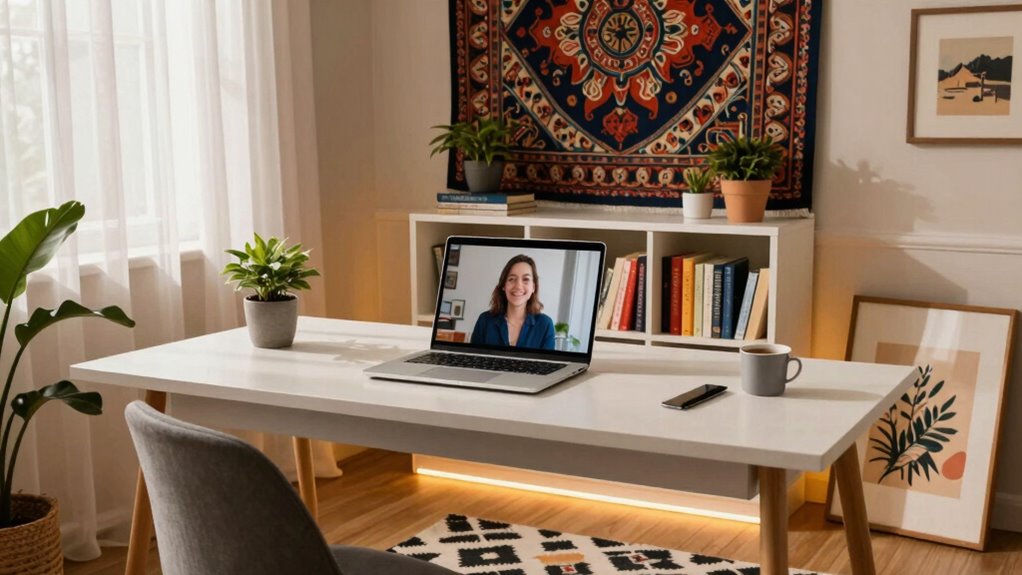

Setting up a great video call background isn’t just about looks—it’s about projecting professionalism and confidence. Avoid clutter and distractions by choosing neutral, tidy spaces with simple textures. Pay attention to lighting, ensuring your face is well-lit from the front, and keep your camera angles flattering. Incorporate subtle branding if needed but steer clear of busy patterns or bright colors. If you want to master your setup and leave a strong impression, there’s more you should know.

Get business pricing on your home office setup
- Business-only prices and quantity discounts
- Tax-exempt purchasing
- Multiple users, one account, clear invoices
Key Takeaways
- Avoid cluttered or distracting backgrounds to maintain professionalism and keep focus on you.
- Use neutral colors and simple textures to prevent visual noise and enhance clarity.
- Ensure good lighting from the front to avoid shadows and pixelation, improving virtual background appearance.
- Position your camera at eye level and angle to present a confident, flattering view.
- Test virtual backgrounds beforehand to prevent glitches and ensure seamless integration.
professional video call background setup
As an affiliate, we earn on qualifying purchases.
As an affiliate, we earn on qualifying purchases.
Why Your Video Call Background Matters

Your video call background plays a crucial role in how others perceive you during virtual meetings. A cluttered or distracting background can divert attention from what you’re saying and create a less professional impression. Additionally, background noise can interrupt the flow of conversation, making it harder for others to focus on your message. Camera angles also matter—if your camera is tilted or positioned poorly, it can distort how you appear or reveal unintentional elements in the background. A well-chosen, tidy background combined with a stable camera angle helps you look confident and organized. Paying attention to environmental factors can further enhance your virtual presence and demonstrate respect for your audience. For example, choosing a background that is appropriate for professional settings signals that you take virtual meetings seriously. When you pay attention to these details, you show respect for your audience and boost your credibility in virtual settings. Being aware of visual distractions and minimizing them can make a significant difference in how your message is received. Ensuring your lighting is sufficient and evenly distributed can also improve visibility and overall impression.
ring light for video conferencing
As an affiliate, we earn on qualifying purchases.
As an affiliate, we earn on qualifying purchases.
Design Tips for a Clean, Professional Backdrop
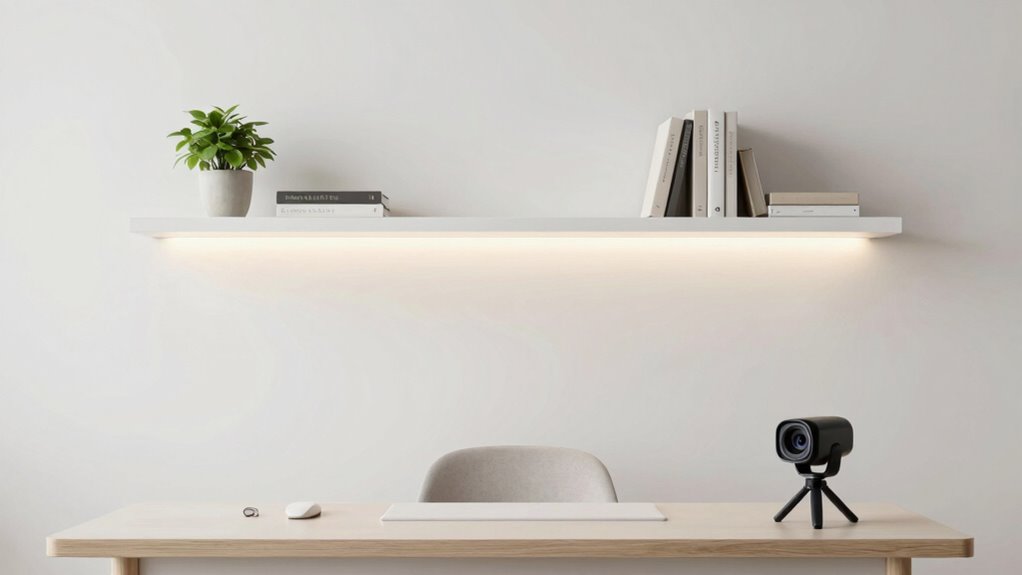
Creating a clean, professional backdrop involves thoughtful planning and simple design choices. Start with color combinations that are calm and neutral, like soft grays, blues, or beiges, to avoid distractions and create a cohesive look. Avoid overly bright or busy patterns that can detract from your presence. Pay attention to furniture arrangement by keeping surfaces tidy and limiting clutter. Position shelves or furniture to frame you well without overcrowding the background. Use minimal decor to maintain a sleek appearance, and make certain objects are evenly spaced and not distracting. The goal is to create a backdrop that looks polished and professional, supporting your presence without stealing focus. Clear, organized, and visually appealing backgrounds boost your credibility and help you make a strong impression. Additionally, consider interior design principles that emphasize balance and harmony to enhance the overall aesthetic, ensuring your background remains visually appealing and not overwhelming.
As an affiliate, we earn on qualifying purchases.
How to Use Lighting to Improve Your Video Quality

Lighting can make or break the professionalism of your video call setup. Using proper lighting techniques guarantees your face is clearly visible and your background remains unobtrusive. Natural illumination is often the best option—position yourself near a window, facing the light source, to achieve soft, even lighting. Avoid harsh shadows by diffusing direct sunlight with a sheer curtain or placing a lamp with a soft shade nearby. If natural light isn’t available, use adjustable LED lights to create balanced illumination. Remember, front lighting is preferable to avoid unflattering shadows, and avoid backlighting, which can obscure your face. Additionally, considering the overall video quality can help you make informed choices about your setup. Proper lighting setup also involves understanding lighting placement to ensure your face is well-lit from the right angles. Being aware of lighting techniques can further help you achieve a polished appearance. To optimize your setup, consider the impact of lighting on your video clarity and overall presentation. Adjusting your lighting setup based on lighting conditions can significantly enhance your appearance on camera.
As an affiliate, we earn on qualifying purchases.
Choosing the Best Background Color for Confidence and Focus

Choosing the right background color can boost your confidence and help you stay focused during video calls. Colors influence perceptions through psychology, signaling professionalism and clarity. Selecting the best hue guarantees your message comes across clearly and leaves a strong impression. Additionally, considering the ambiance and natural lighting can enhance the overall effectiveness of your visual presentation.
Impact of Color Psychology
Colors in your video call background can markedly influence how others perceive your confidence and focus. Through emotional influence and mood regulation, different hues evoke specific feelings that shape perceptions. For example, blue fosters calmness and trust, making you appear composed and reliable. Red energizes and commands attention, conveying passion and confidence. Green promotes balance and reassurance, helping you seem approachable and steady. Neutral tones like gray or beige offer professionalism without distraction. By understanding color psychology, you can choose a background that reinforces the message you want to send—whether that’s authority, creativity, or calmness. Selecting the right hue isn’t just aesthetic; it’s a strategic move to enhance your presence and guarantee your mood aligns with your communication goals during the call.
Enhancing Visual Clarity
To enhance your visual clarity during video calls, selecting a background color that boosts focus and confidence is essential. A strong color contrast between you and your background helps your image stand out clearly, reducing distractions. Opt for solid, muted tones that complement your skin tone and avoid overly bright or busy colors. Additionally, consider background texture; smooth, uniform surfaces prevent visual noise that can muddle your image. Textured backgrounds, if not too busy, can add depth but should not detract from your presence. The goal is to create a clean, balanced backdrop that emphasizes you without competing for attention. By thoughtfully choosing a background color with appropriate contrast and subtle texture, you’ll improve your visual clarity and deliver a more professional appearance.
Conveying Professionalism
When you select a background color that conveys professionalism, you immediately boost your confidence and make a strong impression. Stick to neutral tones like gray, beige, or soft blues, which project calmness and reliability. These colors help you stand out without distracting your audience. A professional background also minimizes background noise, making your voice clearer. Keep your camera angles steady and at eye level to enhance focus and avoid distractions. A consistent, clean background combined with a thoughtful color choice signals competence and seriousness. It helps viewers stay engaged and shows you’re prepared. Remember, the right background color isn’t just about aesthetics—it’s about reinforcing your credibility and ensuring your message comes across confidently.
Declutter Your Space: Avoid Distractions on Camera
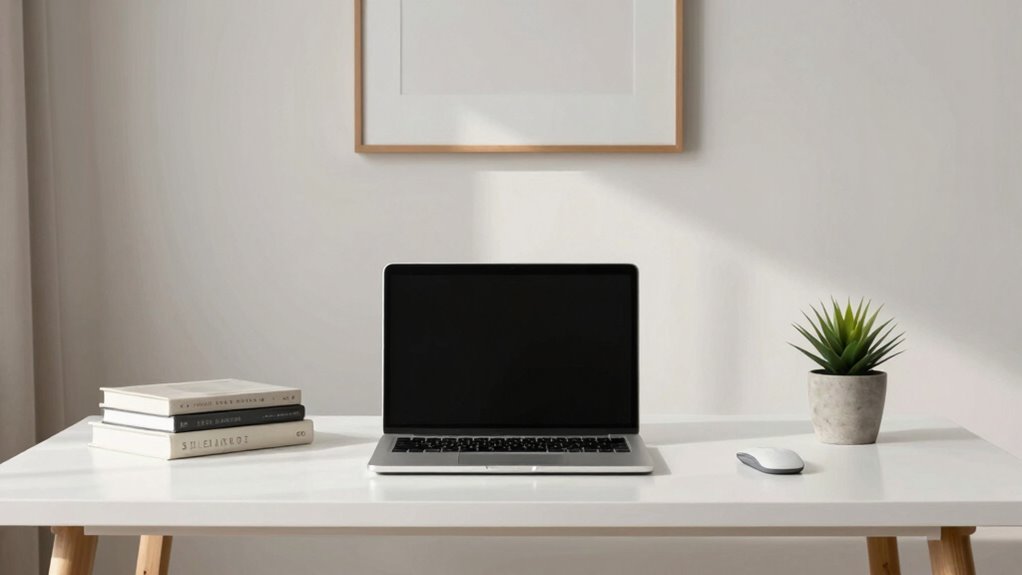
To keep your video calls professional, clear your desk and remove any clutter that can distract viewers. Store personal items out of sight and opt for neutral backgrounds that don’t draw attention away from you. A tidy space helps you stay focused and makes a better impression on your audience. Additionally, consider creating effective documentation to ensure your background setup instructions are clear and easy to follow. Paying attention to workspace ergonomics can also improve your comfort and reduce distractions during long calls. Incorporating security strategies like ensuring your background remains free of sensitive information can further enhance your professionalism. Being mindful of background lighting can also help you appear clearer and more polished on camera. Moreover, adjusting camera angles can significantly improve your overall appearance and prevent unwanted distractions in your frame.
Clear Your Desk Space
A cluttered desk can easily become a visual distraction during your video calls, pulling attention away from what you’re saying. To maintain a professional appearance, focus on desk organization and clutter reduction. Clear off unnecessary items and keep only essentials within reach. Use storage solutions like trays or drawers to hide clutter out of view. A tidy workspace helps create a clean background, making it easier for viewers to focus on you. Additionally, well-organized surfaces reduce visual noise and make your environment look intentional and professional. Remember, the goal is to avoid a chaotic background that distracts your audience, so take a few minutes to tidy up before each call. Keeping your desk clear boosts both your confidence and your overall presence on camera. Proper workspace maintenance can also help you stay focused and productive during your meetings.
Remove Personal Clutter
Ever consider how personal clutter can distract your audience during video calls? Cluttered backgrounds draw attention away from what you’re saying and can seem unprofessional. Removing personal clutter is essential for effective background organization. Clear off surfaces and store away items that don’t belong in a professional setting. Keep only a few intentional decorations or items that add to your workspace’s aesthetic. A tidy background helps viewers focus on you, not your surroundings. It also reduces visual noise, making your message clearer. Regularly reassess your space to guarantee it stays clutter-free. Remember, a well-organized background conveys professionalism and confidence. Taking the time to declutter your space not only improves your appearance on camera but also boosts your own confidence during the call. Additionally, smart home technology can assist in maintaining an organized environment by automating clutter management and optimizing your workspace setup. Incorporating workspace organization techniques can further enhance the effectiveness of your setup and ensure your background remains consistently professional.
Select Neutral Backgrounds
Choosing a neutral background for your video calls helps keep the focus on you rather than distracting visuals. Opt for simple, solid colors or subtle textures that create a sense of color harmony without overwhelming the scene. Avoid busy patterns or bright hues that draw attention away from your face. Instead, select backgrounds with understated textures, like a plain wall or a softly textured fabric, to add visual interest without clutter. This approach minimizes visual noise and guarantees your viewers stay engaged with what you’re saying. A neutral background also helps your overall appearance look more polished and professional. Remember, the goal is to create a clean, distraction-free space that enhances your presence on camera. Choosing appropriate background choices can significantly impact how viewers perceive your professionalism and confidence.
How to Improve Sound Quality for Clearer Communication
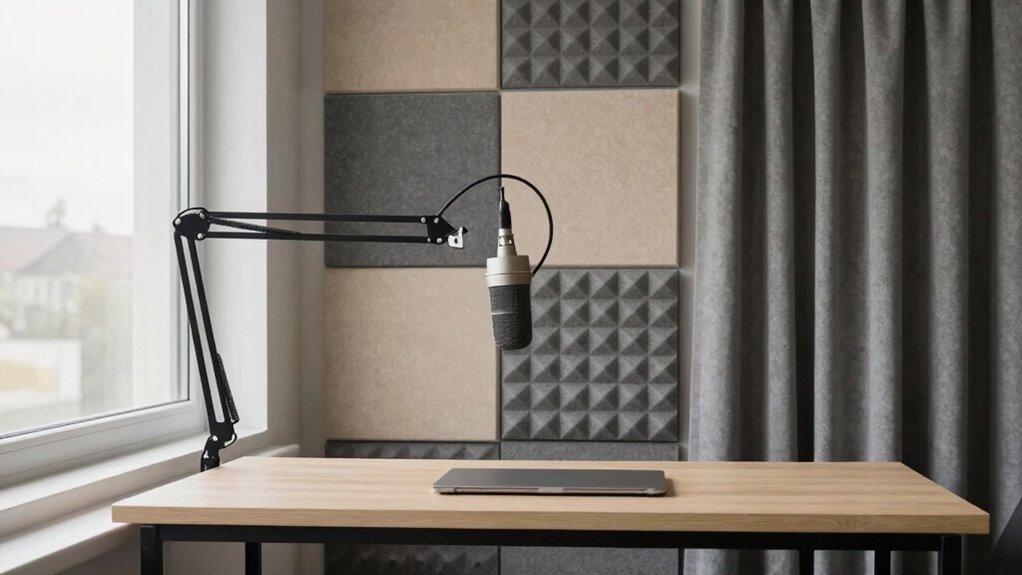
Have you noticed how unclear sound can disrupt your video calls? Improving sound quality is key to clearer communication. Start with soundproofing techniques: add rugs, curtains, or foam panels to reduce echo and background noise. Proper microphone placement also makes a big difference; position your mic close to your mouth, avoiding drafts or noisy vents. Use quality microphones designed for speech to capture clearer audio. Additionally, consider using headphones with a built-in mic to minimize background noise and prevent echo. Regularly test your setup before calls to guarantee the best sound. Incorporating home improvement tips like acoustic panels can further enhance your audio environment. These simple adjustments can notably enhance your audio clarity, making your conversations more professional and effective. Paying attention to soundproofing materials and their proper installation can significantly improve your overall sound environment, especially when considering indoor air quality and the importance of a healthy, quiet space.
Adding Personal Branding Without Overloading Your Background

While it’s tempting to showcase your personality or brand through your background, adding too many elements can clutter the space and distract from your message. To incorporate creative branding effectively, focus on subtle touches that highlight your identity without overwhelming the scene. Use background customization to include a branded mug, a small logo, or a branded color scheme. Keep it simple and clean to maintain professionalism and clarity. Here’s a visual guide for ideas:
| Element | Placement | Purpose |
|---|---|---|
| Logo | Top corner | Brand recognition |
| Branded Colors | Accent wall or decor | Cohesive visual identity |
| Personal Items | Minimal, neat | Personal touch without clutter |
Prioritize balance, ensuring your background enhances your message without distraction.
Using Virtual Backgrounds Effectively : Do’s and Don’ts
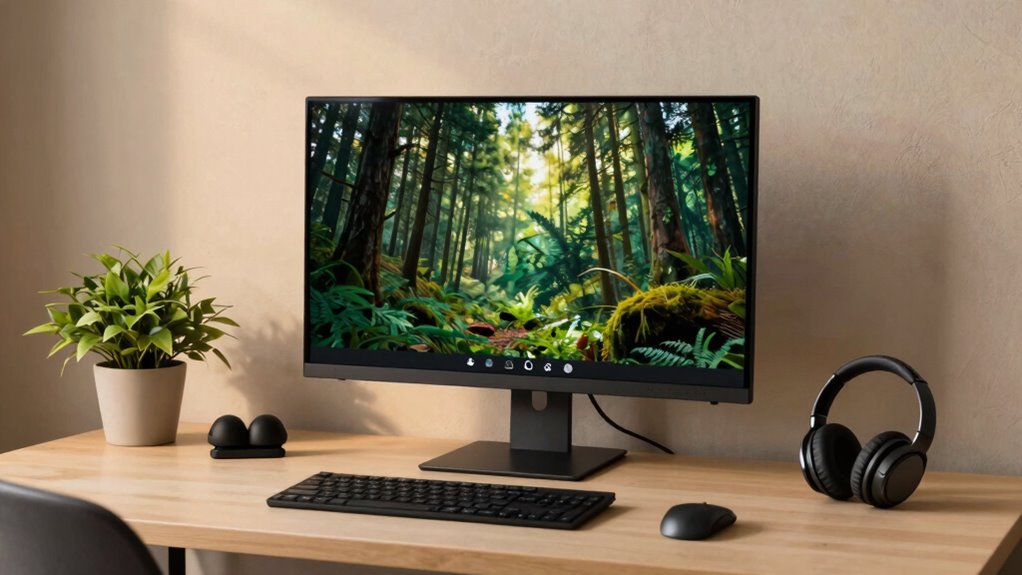
Using virtual backgrounds can enhance your video calls when used correctly, but they can also become a distraction if misapplied. To make the most of virtual backgrounds, focus on proper background customization to keep your setup professional and uncluttered. Avoid overly busy or flashy images that draw attention away from your message. Confirm good lighting so your background looks seamless, and use a high-quality virtual background to prevent pixelation or ghosting. Remember, less is often more—choose backgrounds that complement your appearance and environment.
- Keep backgrounds simple and relevant to your context
- Test your virtual background before calls to avoid glitches
- Use a neutral or professional background to maintain focus
Quick Hacks to Make Your Video Setup Look Polished
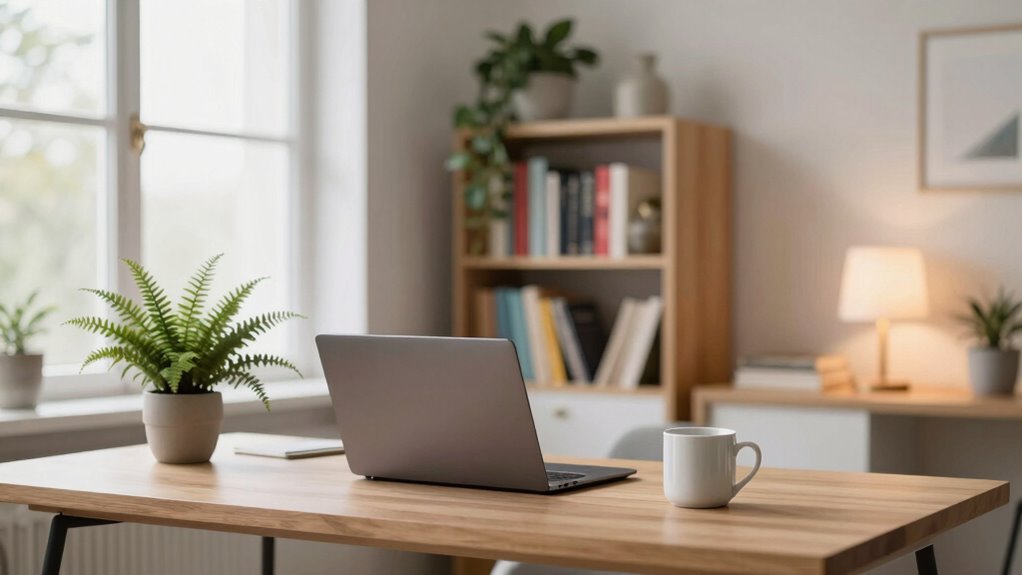
To make your video setup look polished quickly, focus on optimizing your lighting so your face is clear and well-lit. Choosing neutral backgrounds keeps the attention on you and reduces distractions. These simple tweaks can instantly elevate your appearance on camera.
Optimize Lighting Conditions
Good lighting can dramatically improve how polished your video call looks, but you don’t need expensive equipment to achieve this. To optimize lighting conditions, focus on maximizing natural lighting and creating strong color contrast. Position yourself near a window with indirect sunlight for a soft, even glow that reduces shadows. Avoid harsh backlighting, which can make your face hard to see. Use light-colored curtains or blinds to control brightness and prevent glare. Adjust your camera angle to face the light source directly, enhancing clarity and detail. To further refine your setup, consider these quick hacks:
- Use a lamp with a daylight bulb to supplement natural light
- Balance light sources to create even color contrast
- Avoid mixing different color temperatures to prevent unflattering hues
Choose Neutral Backgrounds
A neutral background instantly makes your video calls look more professional and distraction-free. Focus on color coordination by choosing shades like beige, gray, or soft pastels that don’t draw attention away from you. Avoid busy patterns or bright, contrasting colors that can be distracting. Background textures should be subtle—smooth walls, simple curtains, or minimalist shelves work well. These textures add depth without clutter or visual noise. Keep your setup clean and uncluttered, ensuring nothing in the background pulls focus. Neutral backgrounds help your appearance stand out and convey professionalism. By paying attention to color coordination and background textures, you create a polished, distraction-free environment that enhances your credibility during every call.
Common Mistakes in Background Setup and How to Fix Them
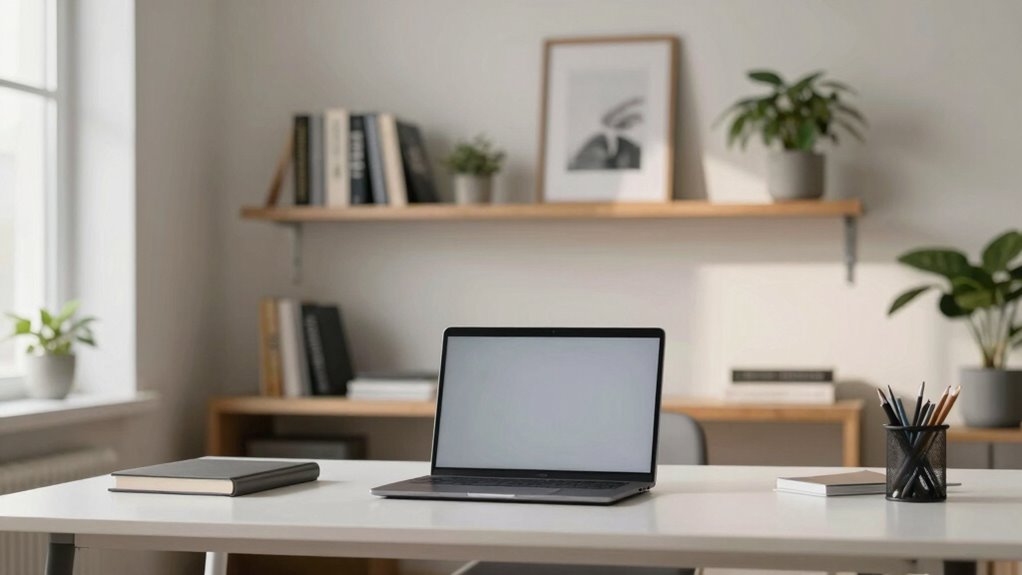
Many people overlook common mistakes when setting up their video call backgrounds, which can undermine professionalism and distract viewers. One mistake is having background clutter, making your space look messy and unorganized. To fix this, clear unnecessary items and create a clean, focused background. Another issue is poor camera angles; positioning the camera too high or low can distort your appearance and distract your audience. Adjust your camera to eye level for a natural look. Also, avoid distracting elements like bright lights or windows behind you, which can cause glare or silhouette effects. By paying attention to these details, you’ll project a more polished image. Remember, a tidy background and proper camera angles keep the focus on you, not the chaos behind you.
Frequently Asked Questions
How Can I Make My Background Look Good on Different Devices?
To make your background look good on different devices, focus on lighting tips and camera angle. Position yourself so natural light or soft indoor lighting illuminates your face evenly, avoiding harsh shadows. Use a slight camera angle from eye level or slightly above to guarantee your background remains clear and professional. Test your setup on various devices beforehand, adjusting lighting and angle as needed to maintain consistency and appearance across screens.
What Are the Best Plants or Decorations for a Professional Backdrop?
You should choose indoor greenery like small potted plants or succulents, which add a fresh, professional touch without clutter. Incorporate decorative accents such as minimalist artwork or elegant shelves with subtle decor to enhance your backdrop. Keep the plant sizes appropriate for your space to avoid overwhelming the background. This combination creates a polished, inviting environment that’s visually appealing on camera, making your professional setting look both stylish and approachable.
How Do I Avoid Appearing Too Distracting With My Virtual Background?
Sure, go ahead and choose a virtual background that’s as wild as your imagination—just kidding! To avoid appearing too distracting, opt for a simple, neutral virtual background that doesn’t pull attention away from you. Focus on distraction management by keeping the background clutter-free, avoiding flashy animations, and ensuring your face remains well-lit. Remember, the goal is to be seen, not overshadowed by your virtual scenery.
Can Background Setup Improve My Confidence During Video Calls?
Yes, a well-thought-out background can boost your confidence during video calls. When you align your background with your personal branding, it projects professionalism and authenticity. Use lighting techniques to highlight your face and create a warm, inviting atmosphere, making you feel more at ease. A clean, personalized background helps you appear confident, approachable, and prepared, giving you the mental edge to engage effectively during your calls.
How Often Should I Update or Change My Video Call Background?
Think of your background as your digital “shrine,” and you’ll want to change it about once a month. Keeping background consistency helps maintain professionalism, but updating it keeps things fresh and personalized. Use personalization tips like adding subtle decor or a themed backdrop to reflect your style. Regular updates prevent your background from becoming stale and show you’re attentive to your virtual presence, making your calls more engaging and authentic.
Conclusion
Think of your video call background as your stage—every element should support your performance. When you craft a tidy, well-lit, and intentional space, you’re directing the audience’s focus straight to you, like a spotlight on a star. Avoid clutter, choose your colors wisely, and use virtual backgrounds thoughtfully. With these tips, you’ll command the scene effortlessly, turning your setup from background noise into your professional signature—making every call a polished, confident performance.
Halloween Picks
halloween
As an affiliate, we earn on qualifying purchases.